Troubleshooting
Common Review Problems
What to check first when a review does not start, does not finish, or returns unexpected scope.
Use this page to work from the symptom to the next useful check.
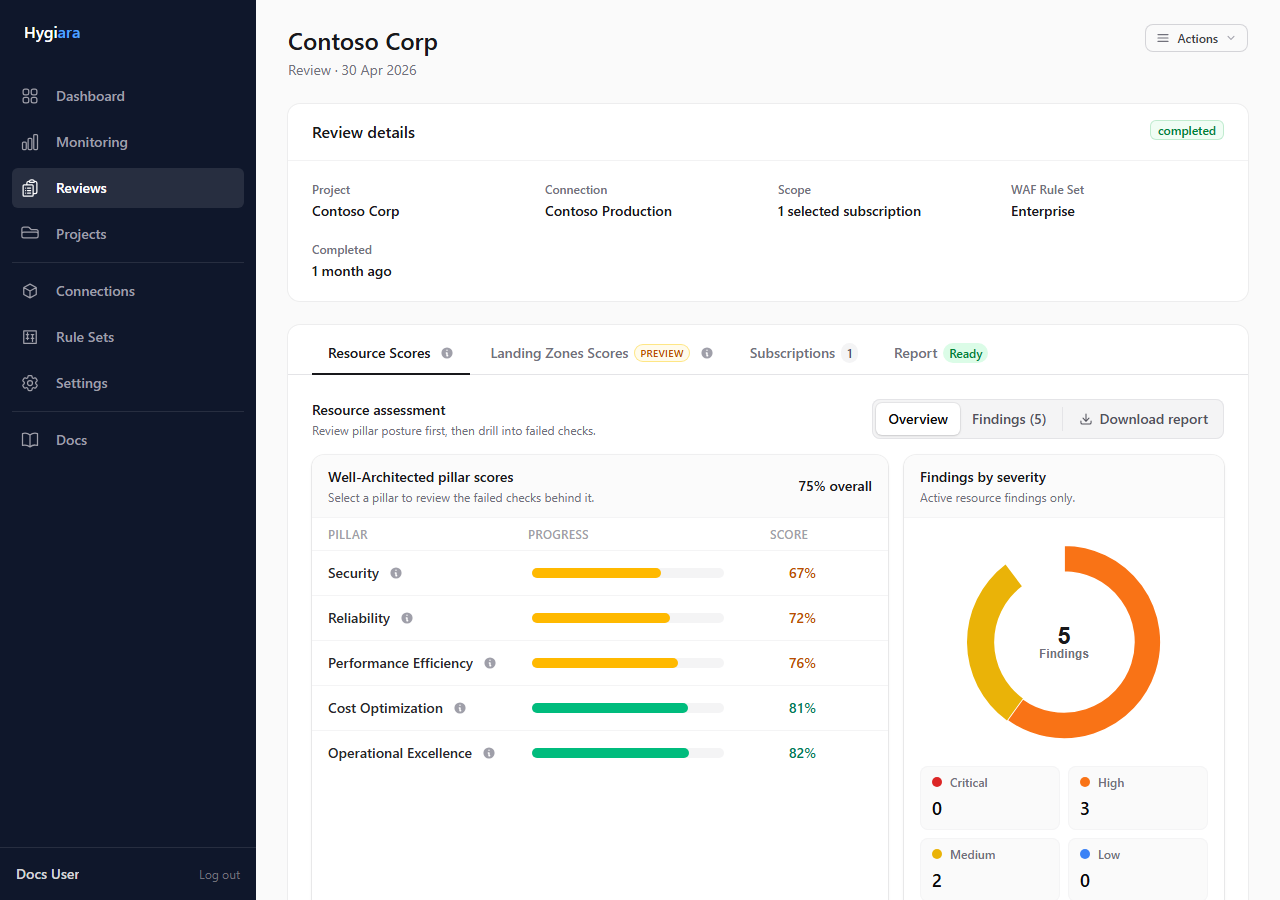
Symptoms and checks
Review stays queued
Check:
- queue worker is running
- queue backend is healthy
- jobs are being picked up
Queued usually points to execution, not Azure access.
Review fails quickly
Check:
- saved connection still validates
- one-off access is still valid
- expected subscriptions are reachable
- Azure permissions have not changed
No subscriptions are found
Check:
- the selected connection or access path is the one you intended
- the service principal has Reader access
- role assignment has propagated
- the tenant ID and client ID are correct
Report is not ready
Open the Report tab first. Report generation can finish after the assessment completes.
Results look wrong
Check:
- project
- access method
- selected subscriptions
- review options
Scope mistakes are more common than finding-generation mistakes.
Fixes
- Revalidate saved connections before rerunning.
- Correct the subscription scope and queue a new review.
- Restart or inspect queue workers if reviews stay queued.
- Wait for report generation before treating missing downloads as a failure.
Avoid
- rerunning repeatedly without diagnosing the failure
- treating queued as proof of Azure access problems
- reading findings before checking scope