Landing Zone Assessment
Using Landing Zone Assessment In Reviews And Reports
How Landing Zone assessment changes the review flow and generated reports.
Enable Landing Zone assessment when the review needs platform, governance, and hierarchy evidence.
Do this
- Create or edit a review.
- Enable Landing Zone assessment in review options.
- Use an access path that can read management groups and subscriptions.
- Queue the review.
- Check Landing Zone Scores after completion.
- Download the Landing Zone report if generated.
What changes
- the review collects additional platform evidence
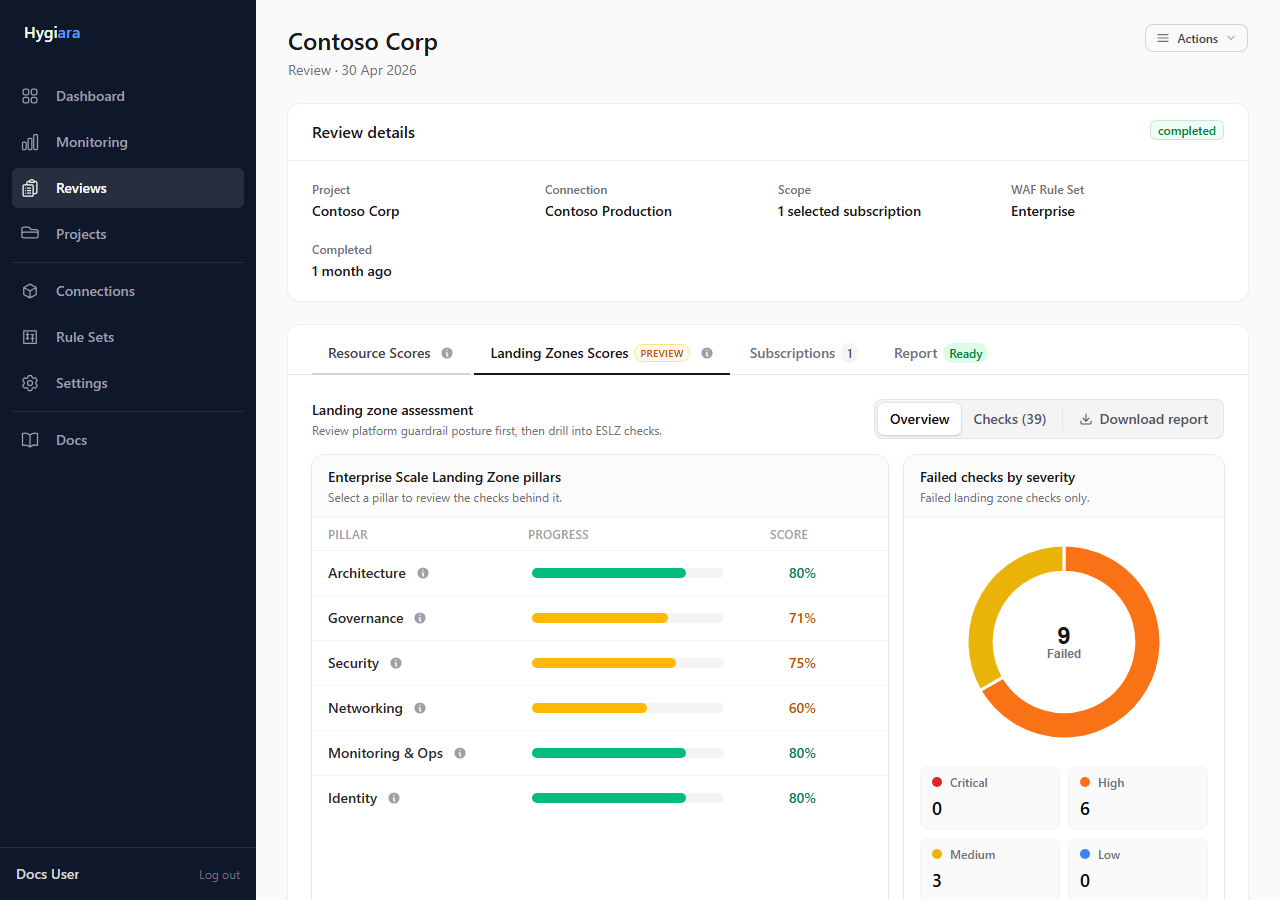
- the review page shows Landing Zone Scores
- the report package can include a separate Landing Zone report
- permission gaps may produce not-verified results
Check the result
The Landing Zone tab should show pillar results and check states. If the tab is missing, the option was not enabled or the run did not produce Landing Zone results.
Avoid
- enabling the option when the access path cannot read management groups
- presenting not-verified results as confirmed non-compliance
- assuming Landing Zone output covers resource-level findings