Getting Started
Understanding The Workspace
How Hygiara is organised across dashboard, projects, reviews, and settings.
Hygiara is organised around projects, reviews, connections, and organization settings.
Dashboard
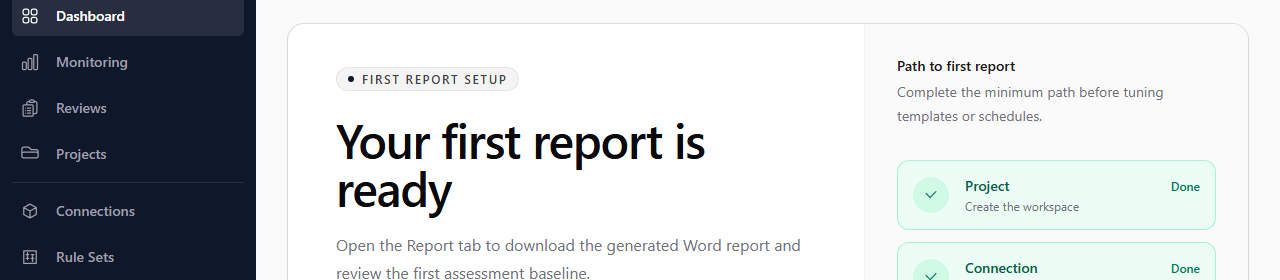
The dashboard shows recent activity, review status, and the next action for getting to a first report.
Projects
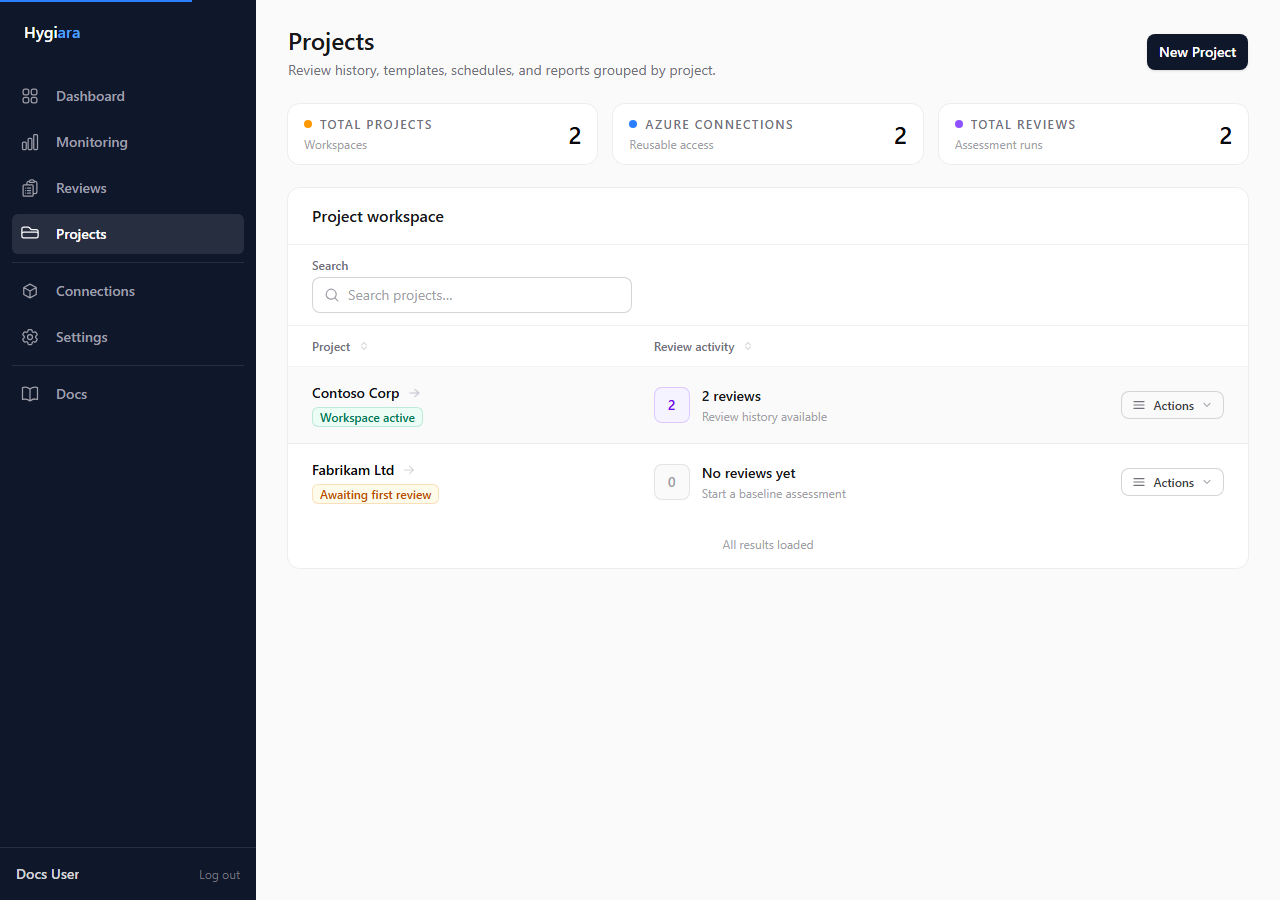
Projects group reviews, saved connections, templates, and schedules for one client, business unit, or Azure estate.
Use the project page when you need to start work from a specific scope.
Reviews
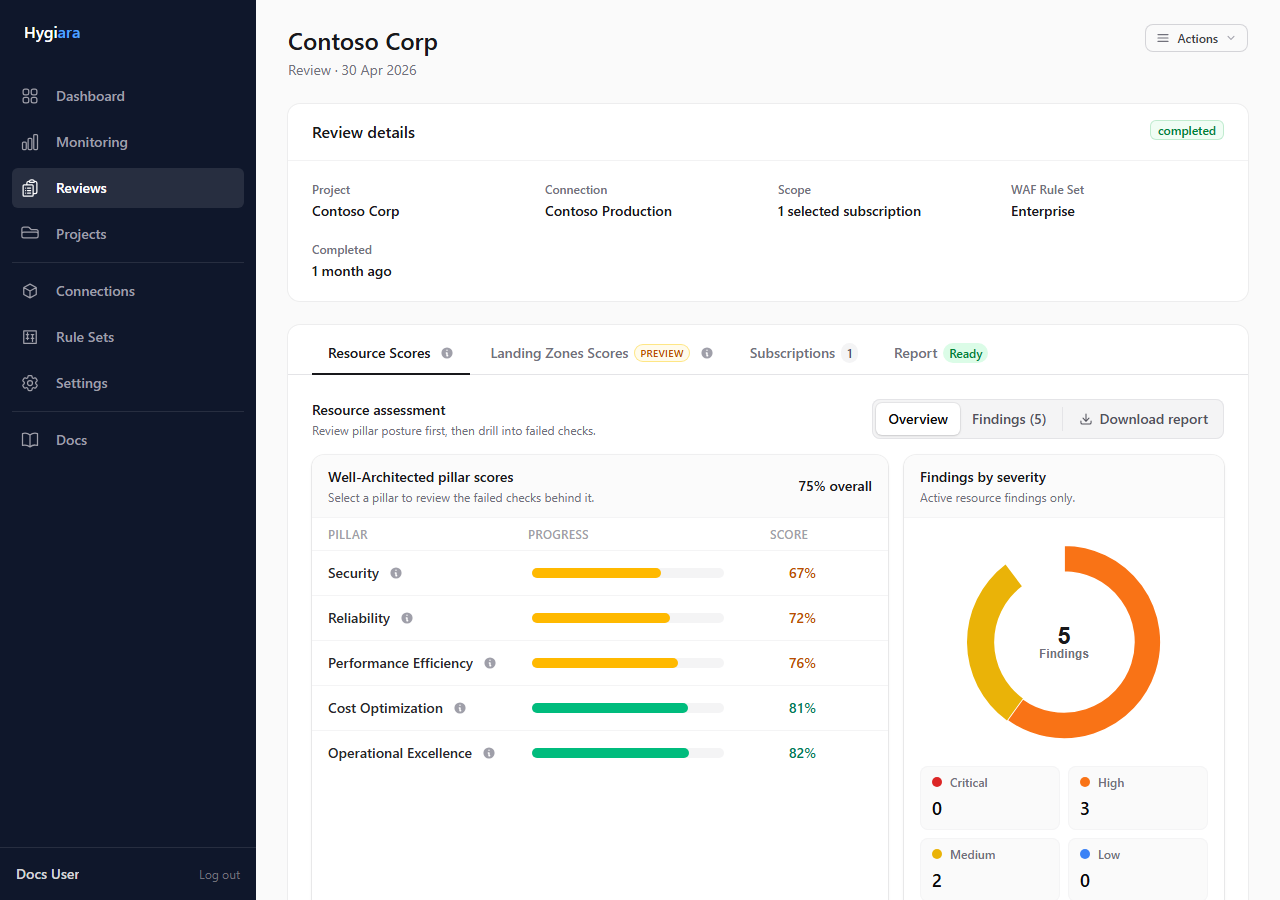
Reviews are individual assessment runs. Open a review to inspect scores, findings, subscriptions, Landing Zone results, and report downloads.
Settings
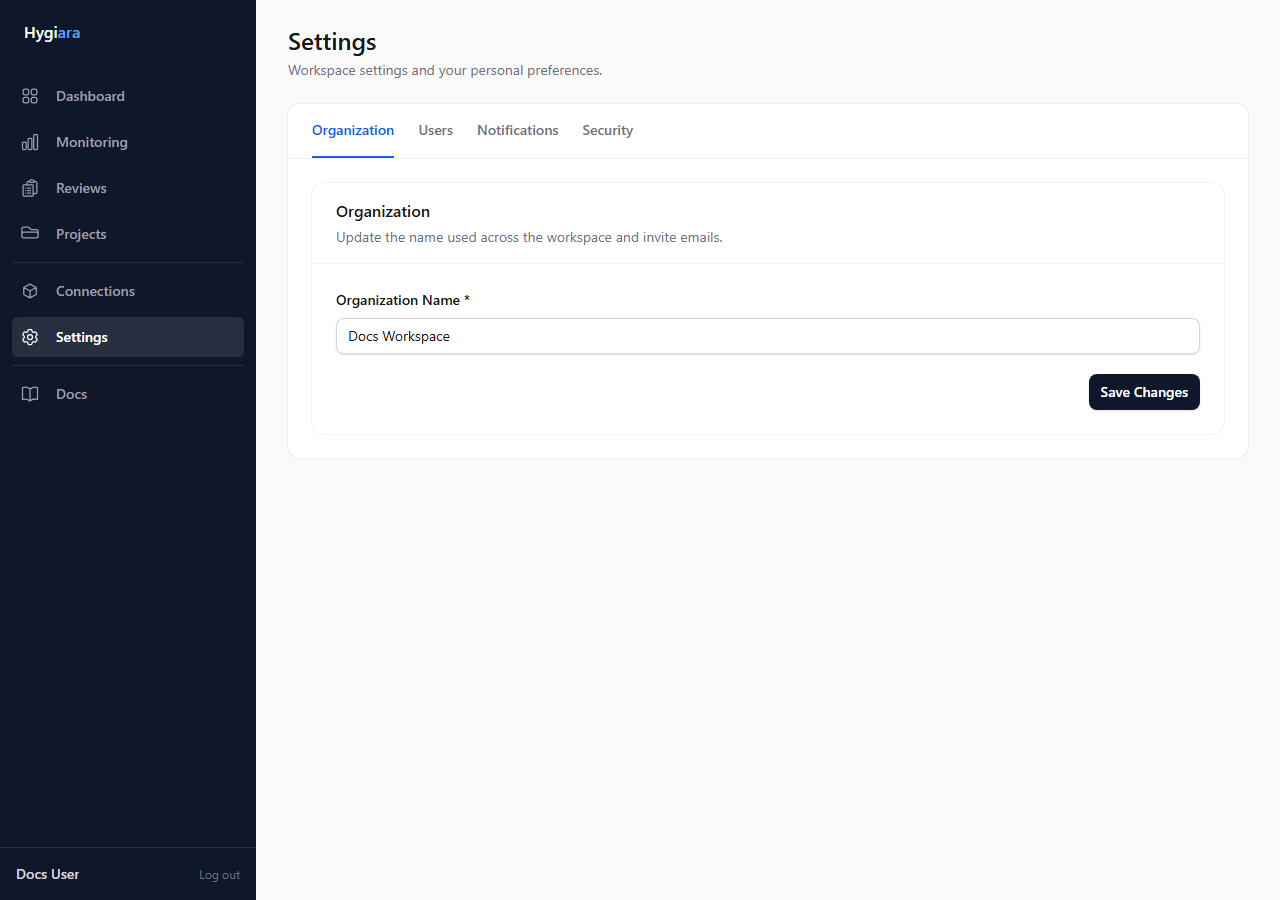
Settings control organization details, users, invitations, API keys, automation access, notifications, and security settings.
Check the result
If you can find the project, connection, latest review, and report download path, you have the workspace model you need for normal operation.
Avoid
- looking for connection settings inside a single review
- creating a new project when a new review in the existing project is enough
- changing organization settings when the task belongs to a project