Troubleshooting
Landing Zone Permission Gaps
What not-verified Landing Zone checks usually mean and how to investigate permission gaps.
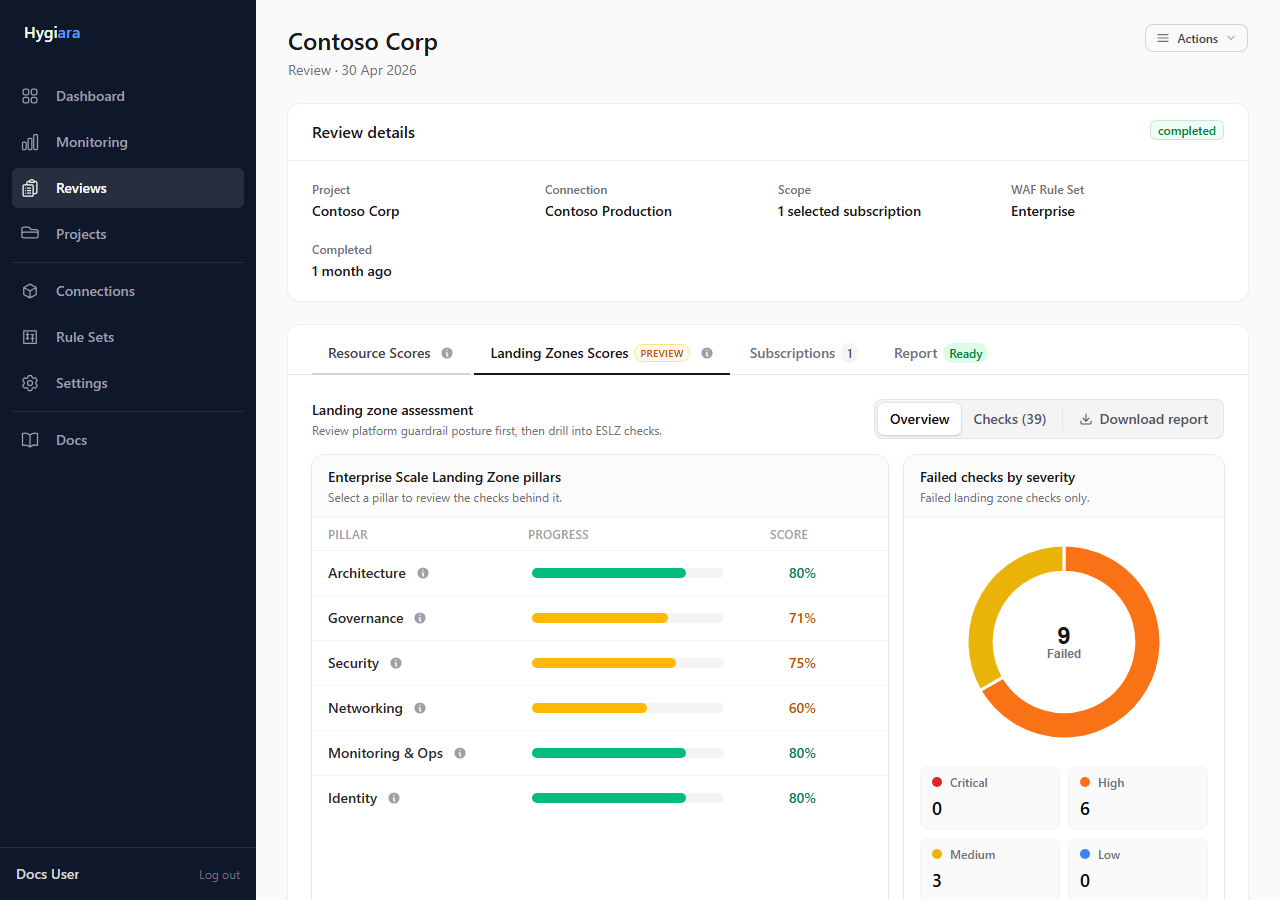
Not-verified Landing Zone checks usually mean Hygiara could not see enough platform evidence to score the control.
Symptoms
- Landing Zone checks show Not verified.
- Management group or policy checks are missing expected evidence.
- Subscription-level checks work, but hierarchy-level checks do not.
Checks
- Confirm Landing Zone assessment was enabled.
- Confirm the right subscriptions were in scope.
- Confirm the service principal can read management groups.
- Confirm Reader is assigned high enough in the management group hierarchy.
- Re-run after RBAC propagation.
Fixes
- Assign Reader at the root management group or highest relevant management group.
- Revalidate the connection.
- Rerun the review after permissions have propagated.
- Explain remaining not-verified checks as evidence gaps, not confirmed failures.
Avoid
- presenting not-verified checks as pass or fail
- enabling Landing Zone assessment without hierarchy visibility
- rerunning immediately after RBAC changes without allowing propagation time