Landing Zone Assessment
Understanding Landing Zone Results
How to interpret passed, failed, partial, and not-verified Landing Zone checks.
Landing Zone checks describe how much evidence Hygiara could confirm for each platform control.
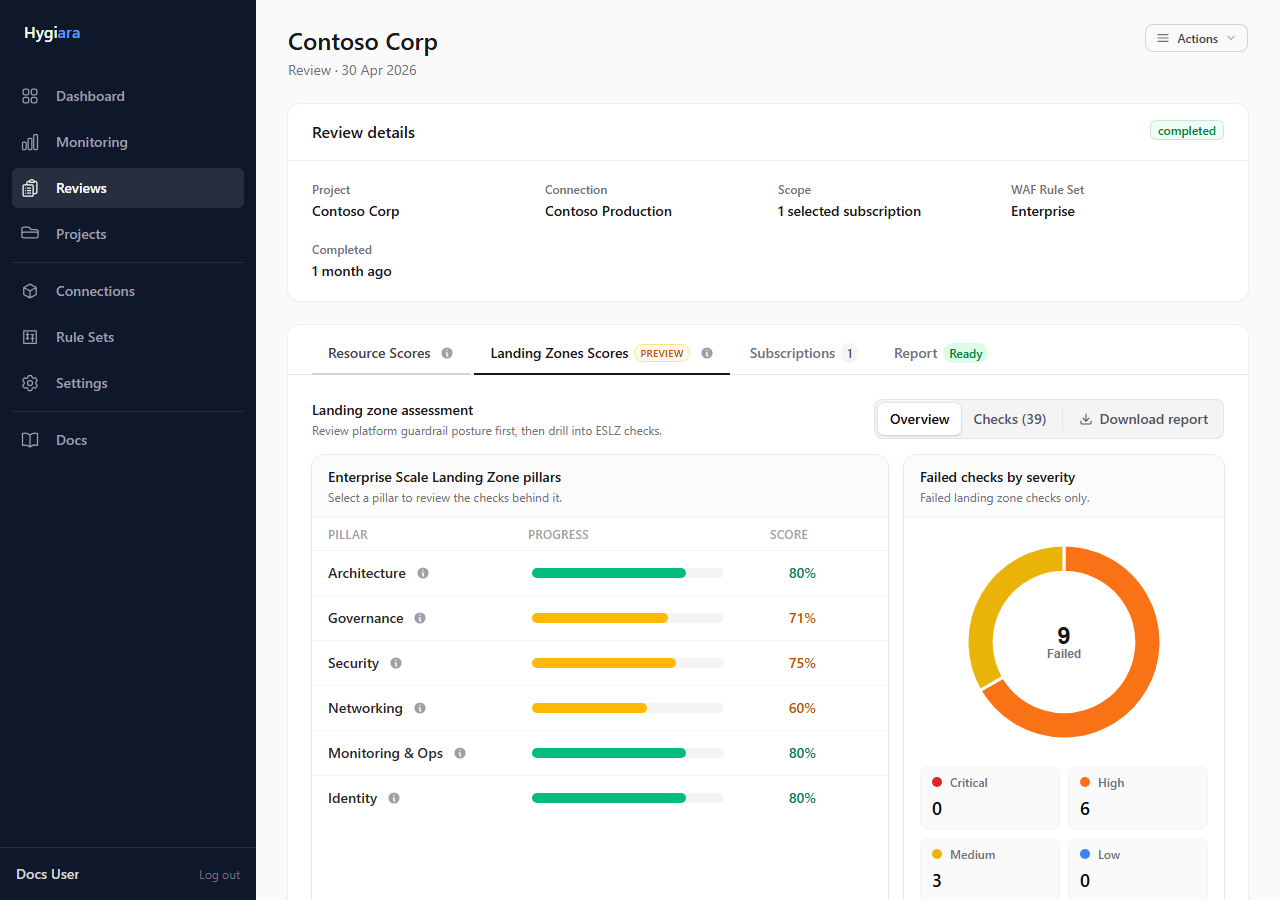
Result states
| State | Meaning |
|---|---|
| Passed | Evidence matched the expected control. |
| Failed | Evidence did not match the expected control. |
| Partial | Some expected evidence was found, but coverage was incomplete. |
| Not verified | Hygiara could not collect enough evidence to score the check. |
How to read them
Start with failed and partial checks that affect platform-wide controls, then review not-verified checks for permission gaps.
Not verified is not the same as passed or failed. It usually means the access path did not expose enough evidence.
Check the result
Before sharing Landing Zone conclusions, confirm:
- assessment was enabled
- subscriptions in scope are correct
- management group visibility was available
- not-verified checks are explained honestly
Avoid
- treating partial as a full failure
- treating not verified as compliant
- ignoring permission gaps in the report narrative