Reviews
Rerunning And Cancelling Reviews
When to rerun a review, when to cancel it, and what each action changes.
Use rerun to create a fresh assessment from the same review shape. Use cancel to stop work that should not continue.
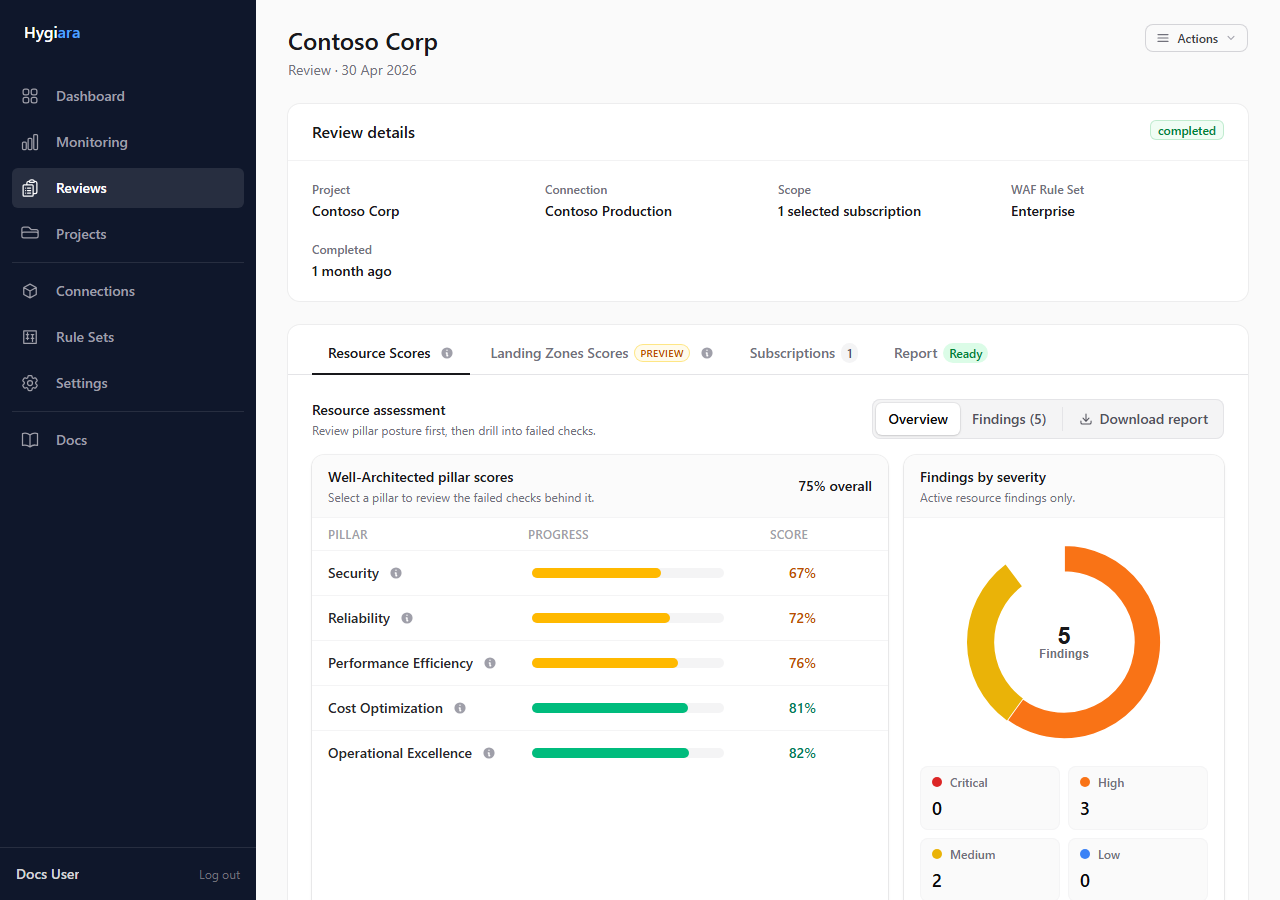
Rerun
Rerun when:
- Azure changes have been made and you need fresh evidence
- a review failed after a fix
- you want an updated report from the same project and scope
The new run uses the current connection, scope, and options.
Cancel
Cancel when:
- the wrong scope was queued
- the wrong access method was used
- the run is no longer needed
- the queue is processing work you do not want completed
Cancelled reviews remain in history.
Check the result
After a rerun, check scope and status like any new review.
After cancelling, confirm the review no longer progresses and queue a corrected review if needed.
Avoid
- rerunning before fixing the reason a review failed
- cancelling completed reviews as a cleanup tool
- assuming rerun preserves old Azure state; it scans current state