Recipes
Set Up A Repeatable Review Cadence
How to move from one-off assessments to repeatable reviews, templates, and scheduled evidence refresh.
Outcome
Use this recipe when a client or internal team wants ongoing review hygiene rather than a one-off assessment.
The output should be a repeatable cadence: a trusted project, saved access, a reusable review template, and a schedule or operating rhythm for refreshing evidence.
Inputs You Need
- Completed baseline review
- Agreed review scope
- Saved Azure connection
- Decision on rule set and Landing Zone inclusion
- Review frequency, such as monthly, quarterly, or before governance meetings
- Notification and ownership preferences
Workflow
1. Stabilise the baseline first
Do not create a recurring process from an untrusted first run. Confirm that the baseline review used the right project, scope, access method, and assessment options.
Reference: Run a client assessment
2. Save the review shape as a template
Use a template when the same assessment shape will be repeated. The template should reflect the agreed client scope, not whatever happened to be selected during testing.
Name templates clearly, such as “Quarterly WAF baseline” or “Monthly production subscriptions”.
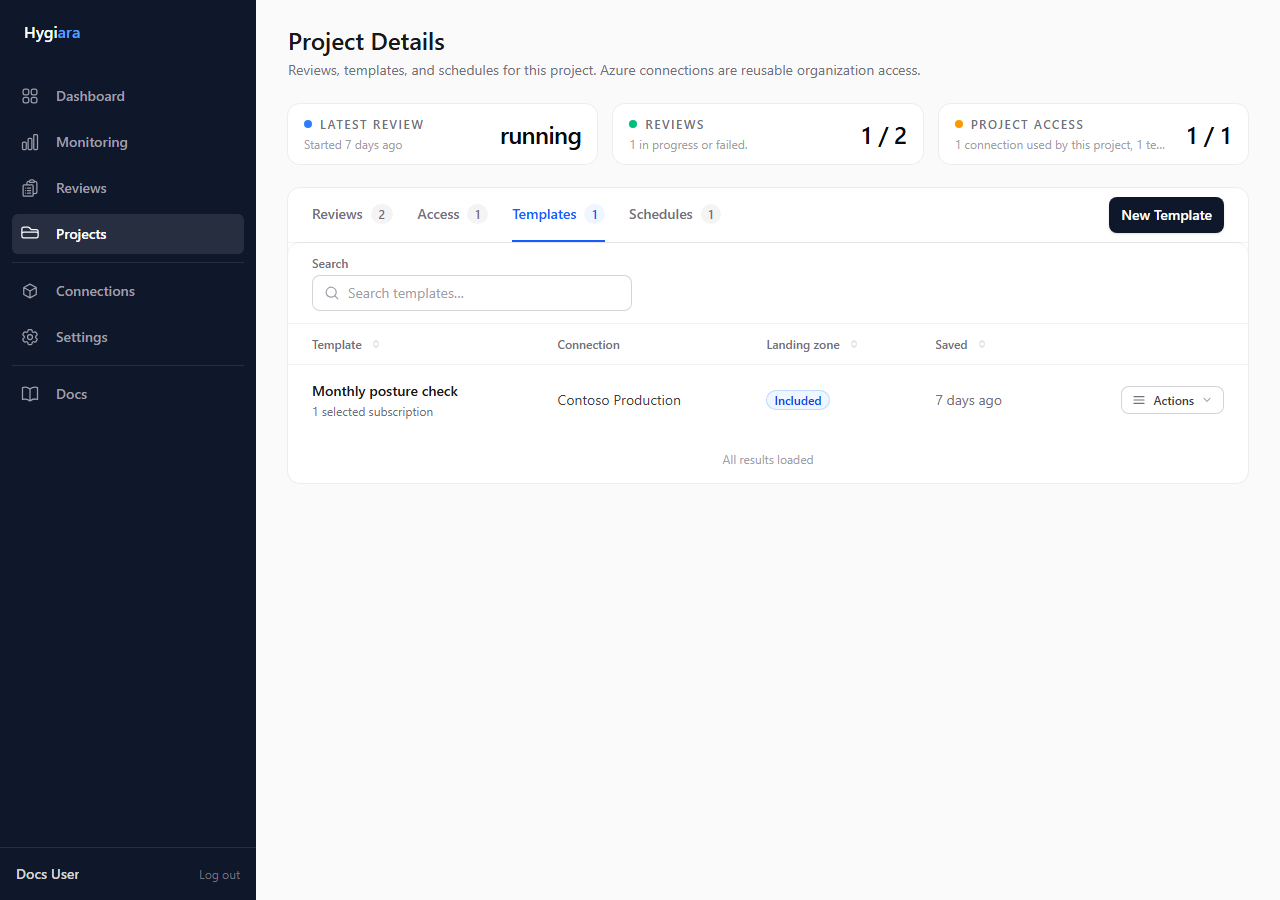
Reference: Review templates
3. Decide the cadence
Choose the cadence based on how the result will be used:
- monthly for active remediation or changing estates
- quarterly for governance and leadership reporting
- before major milestones for migrations, audits, or platform changes
Avoid scheduling reviews that nobody will inspect. Cadence only creates value when someone owns the follow-up.
4. Configure schedules and notifications
Create the schedule from the project when the review shape is stable. Make sure report notifications go to users who are expected to act on the results.
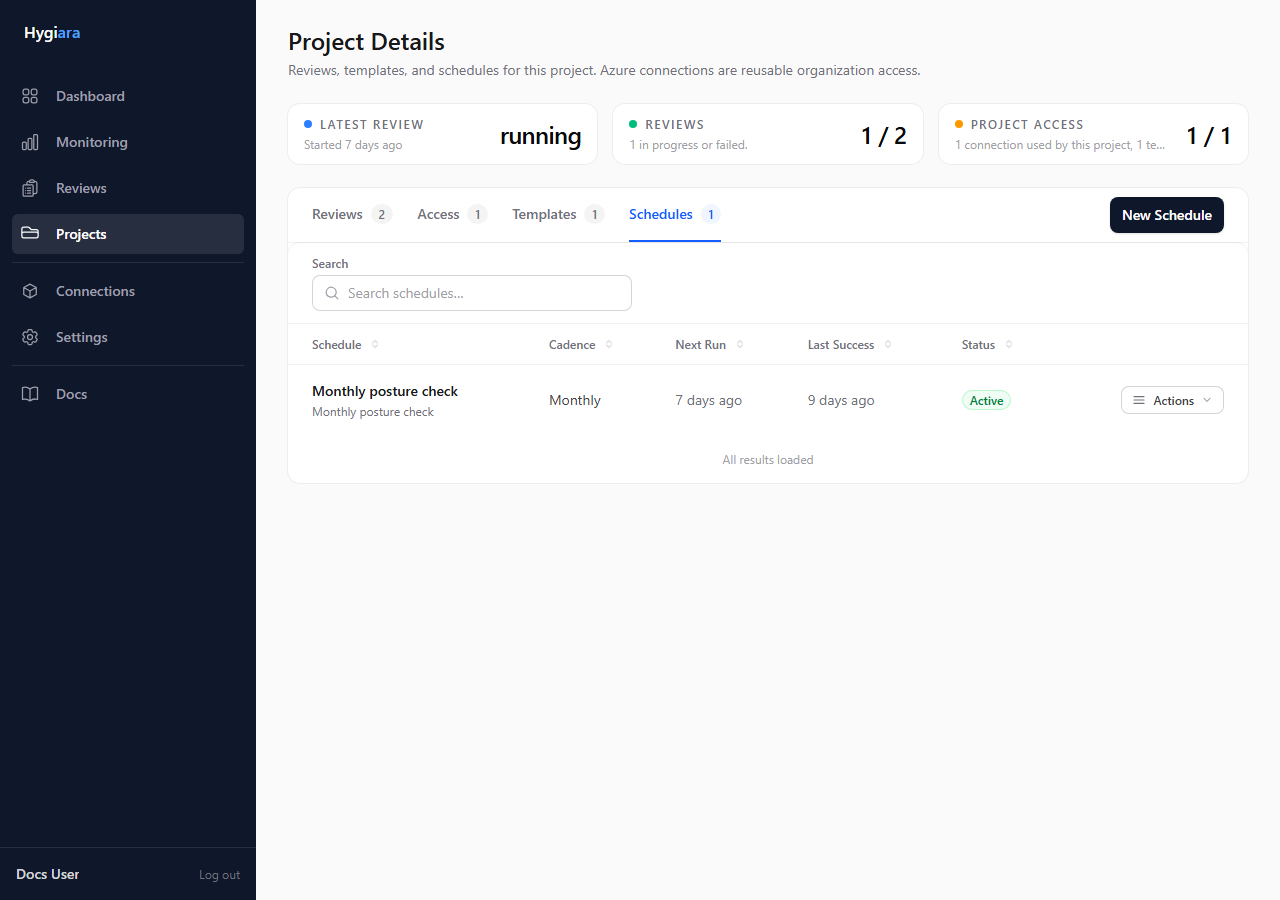
References:
5. Use each run to measure movement
For each repeated review, compare:
- whether priority findings decreased
- whether affected resource counts changed
- whether new issues appeared
- whether Landing Zone posture improved, if enabled
Use the trend to drive the next backlog conversation.
Decisions To Make
- Template or manual review: use templates for repeated client delivery; use manual reviews for one-off discovery.
- Scheduled or ad hoc: schedule only when someone owns the output.
- Frequency: match frequency to business rhythm and rate of change.
- Notification audience: send reports to people accountable for follow-up, not a broad distribution list.
Quality Checks Before Handoff
- The saved connection is still valid.
- The template uses the agreed subscriptions and options.
- The schedule has a named owner.
- Report notifications are enabled for the right users.
- There is a process for turning repeat findings into backlog updates.