Projects
Project Workspace
How to use the project page for reviews, connections, templates, and schedules.
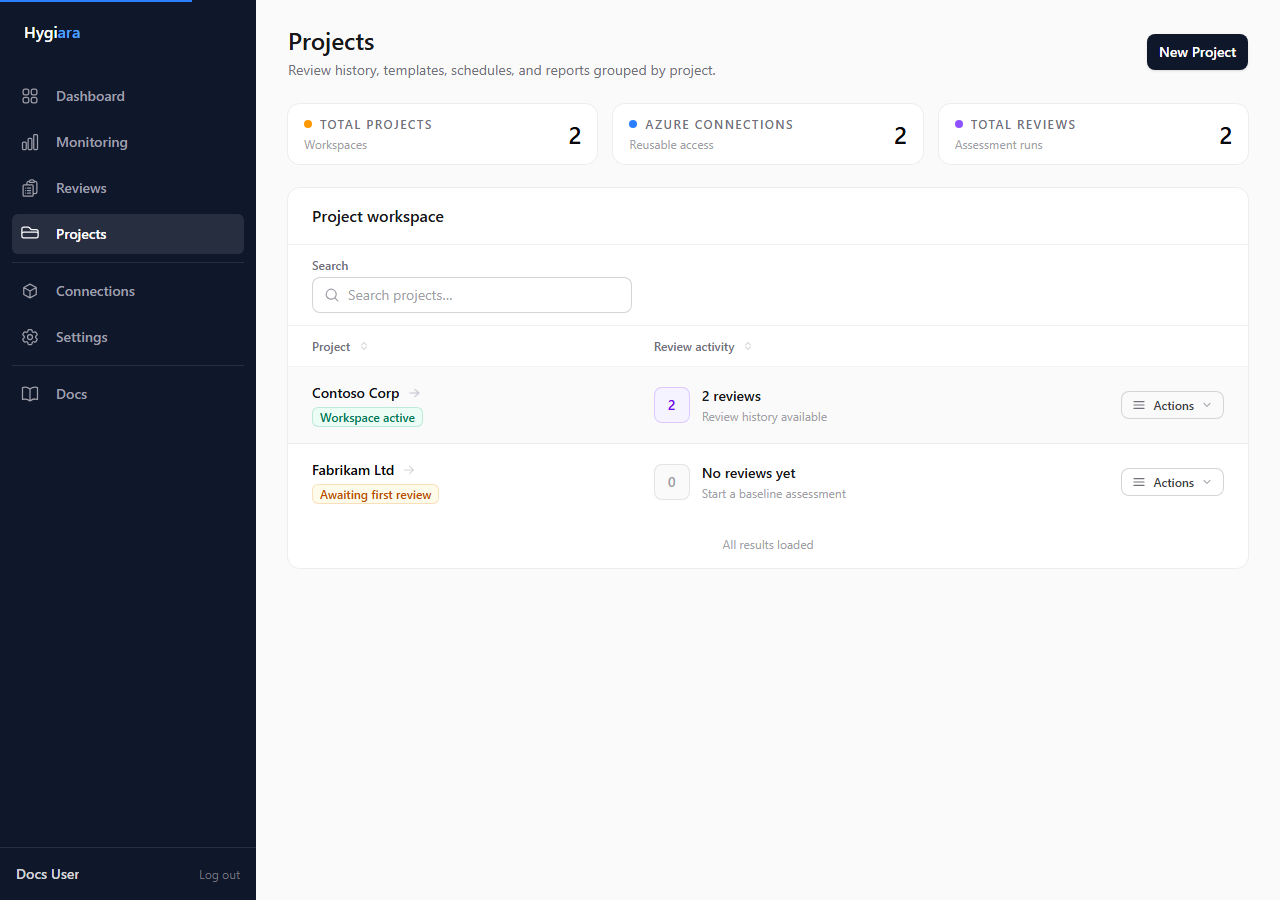
Use the project page to manage reviews, measured improvement, access, templates, and schedules for one Azure estate.
What matters
KPI cards
The cards show recent review activity, status, and the Azure connection permanently assigned to the project.
Once a stored connection is selected by a review or template, the project is locked to that connection. Create a new project if you need to assess a different Azure estate.
Progress
After two tracked reviews complete, the workspace compares the latest result with both the previous tracked review and the original baseline. Progress is deliberately positive-only. Improved findings is the total shown in What improved and reconciles directly to Findings resolved plus Findings reduced. Improved pillar scores and Landing Zone checks are reported separately. New, increased, and unchanged findings remain in the latest review's Findings table. Subscription or rule coverage changes are disclosed separately and are not counted as remediation.

Reviews tab
Use this tab to open existing reviews or start a new one.
Access tab
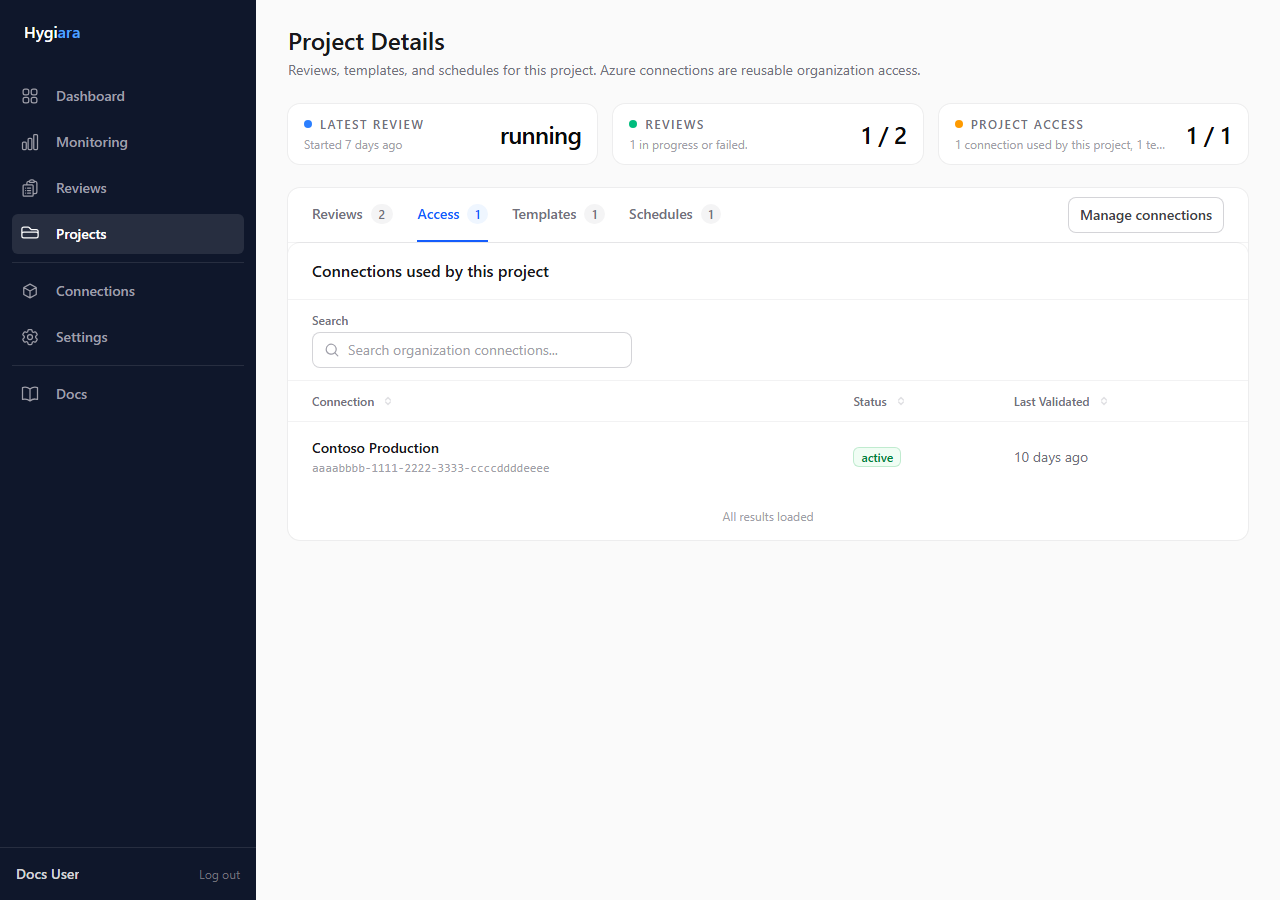
Use this tab to see the stored Azure connection assigned to the project.
Templates tab
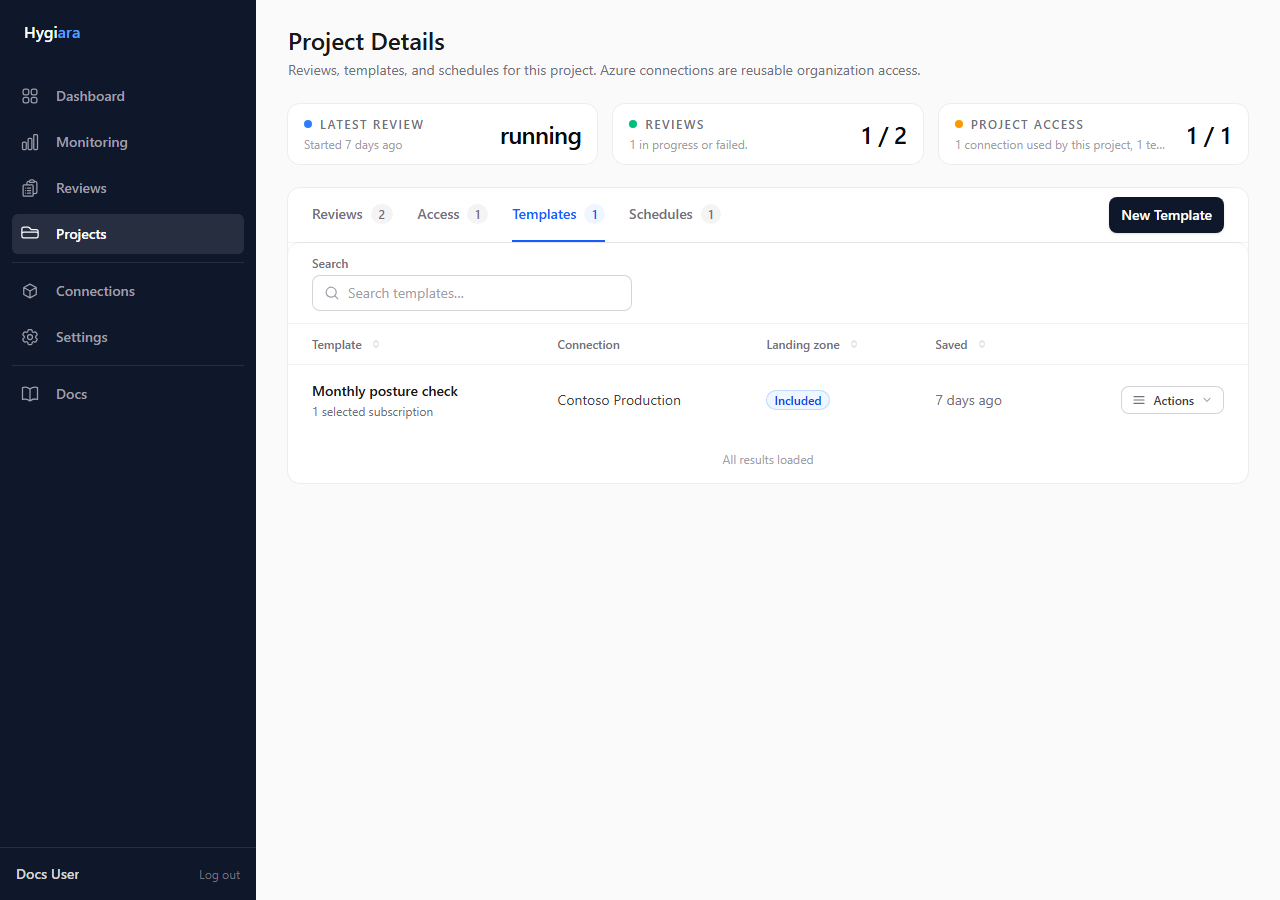
Use this tab to manage reusable review configurations.
Schedules tab
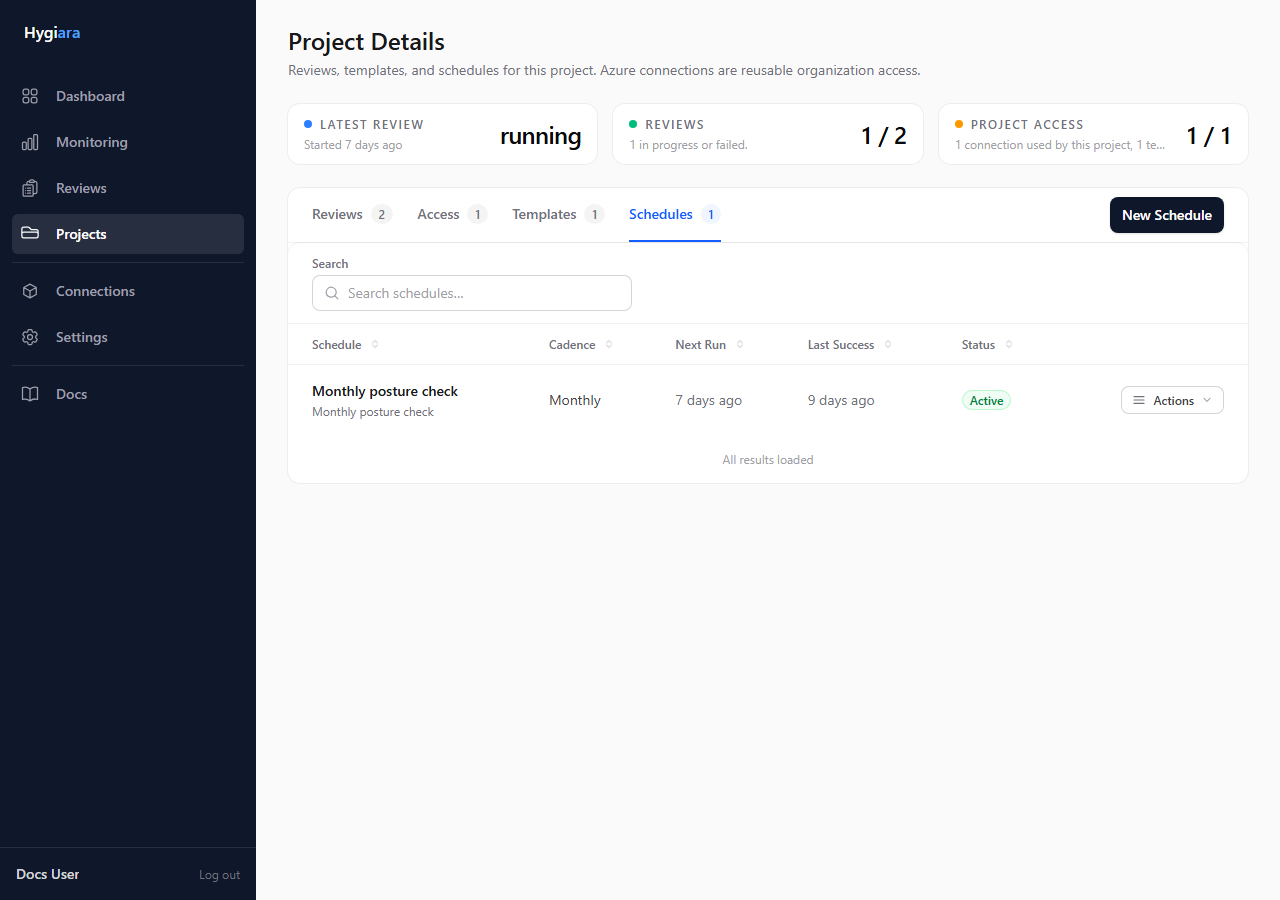
Use this tab to manage recurring reviews.
Do this
- Start one-off work from Reviews.
- Check reusable access in Access before queueing repeat work.
- Save proven review setups in Templates.
- Use Schedules only after the review scope is stable.
Check the result
The project page should answer four questions quickly:
- What reviews exist?
- Which connection is used?
- Is there a repeatable template?
- Is anything scheduled?
Avoid
- creating schedules before the review has completed successfully at least once
- expecting to replace a project's connection after it has been locked; create a new project instead
- treating templates as global; they belong to the project