Getting Started
Overview
The fastest way to understand Hygiara's review workflow and where to start.
Hygiara turns Azure access into structured review results, findings, scores, and Word reports.
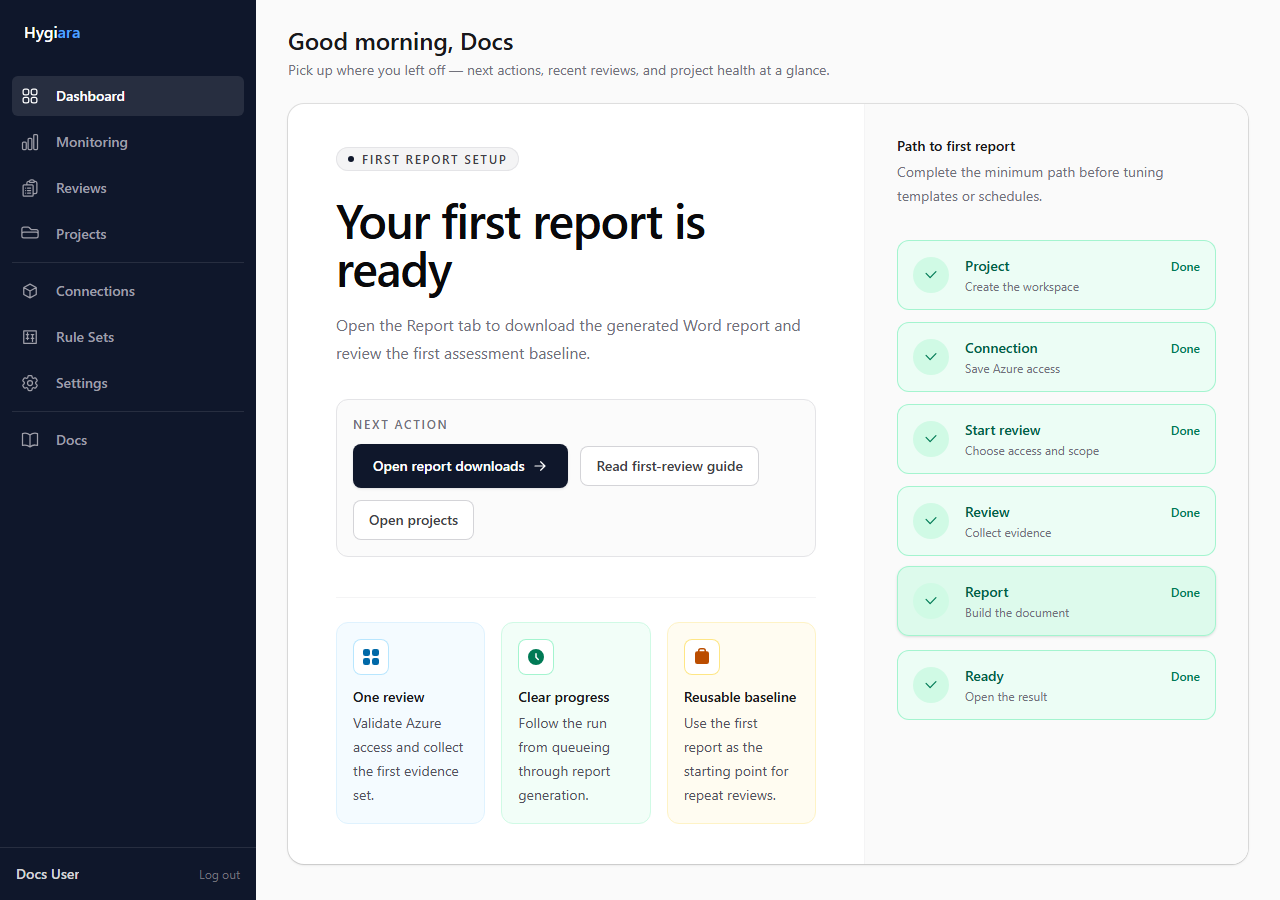
Normal workflow
- Create a project for the client, business unit, or Azure estate.
- Add a saved Azure connection, or use Microsoft sign-in for a one-off run.
- Create a review and choose the subscriptions in scope.
- Wait for the review and report generation to complete.
- Read the findings, check the scope, and download the report.
What you get
A completed review gives you:
- Well-Architected pillar scores
- findings grouped by severity, pillar, service, and resource
- affected resources with subscription and resource group context
- Landing Zone results when enabled
- generated Word report downloads
Main objects
- Projects group related reviews, connections, templates, and schedules.
- Connections store reusable Azure access for repeat reviews.
- Reviews capture one assessment run and its results.
Start here
Use First review if you are setting up Hygiara for the first time.
Use Project workspace if the project already exists and you need to understand where work happens.
Avoid
- starting a review before checking subscription scope
- treating a generated report as a substitute for reviewing the results
- creating too many projects for work that belongs in one client or estate