Reviews
Subscription Selection
How subscription discovery and selection work when the review uses a stored Azure connection.
Use subscription selection to keep the review scope aligned with the work you agreed to assess.
What matters
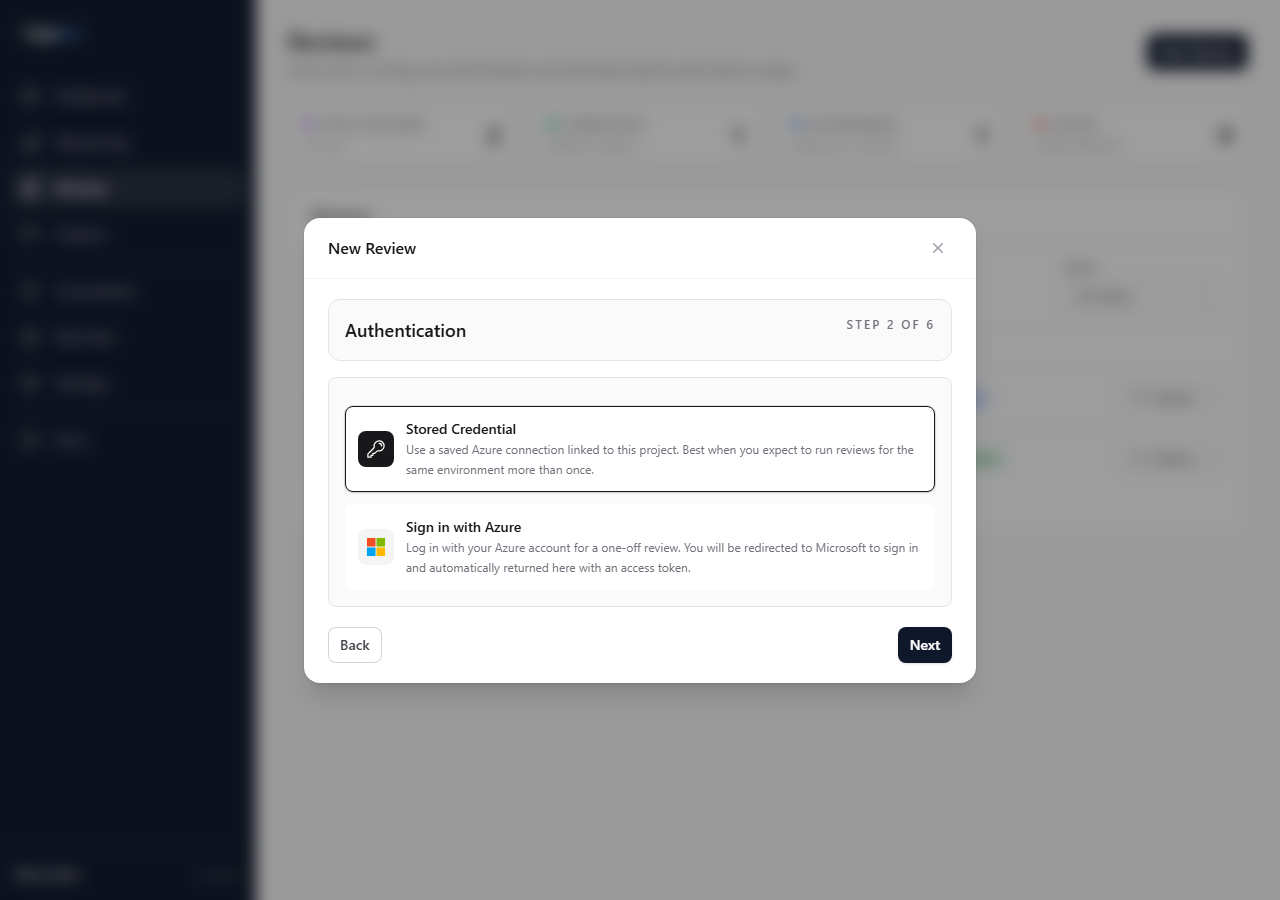
Stored connections show subscriptions visible to the service principal. One-off access does not show the same picker; it uses the subscriptions visible to that access path.
Do this
- Choose a stored Azure connection.
- Wait for subscriptions to load.
- Search or page through the list.
- Select the subscriptions in scope.
- Check the Confirm step before queueing.
Key choices
- Use Select all only when the whole visible estate is in scope.
- Exclude sandbox, test, or unrelated subscriptions unless they were explicitly included.
- Revalidate the connection if expected subscriptions are missing.
Check the result
The review details page should show the same subscription scope you selected.
If the results look wrong later, check the Subscriptions tab before questioning individual findings.
Avoid
- assuming every visible subscription should be reviewed
- using token-style access when you need precise subscription selection
- ignoring missing subscriptions during review creation