Getting Started
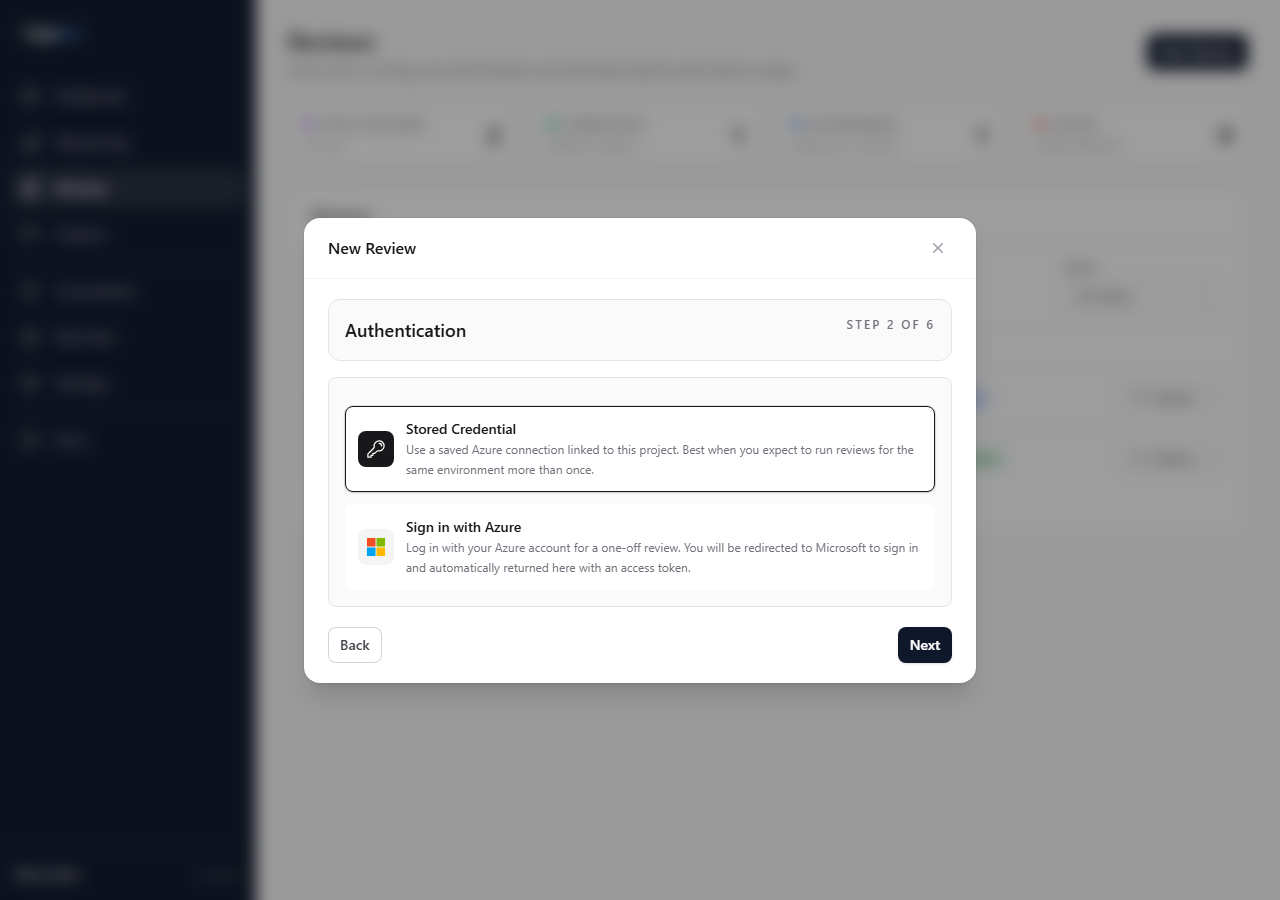
Choosing Authentication
When to use a stored Azure connection and when to use an access token.
Choose saved connections for repeatable work. Use Microsoft sign-in or token-style access for short-lived one-off reviews.
Options
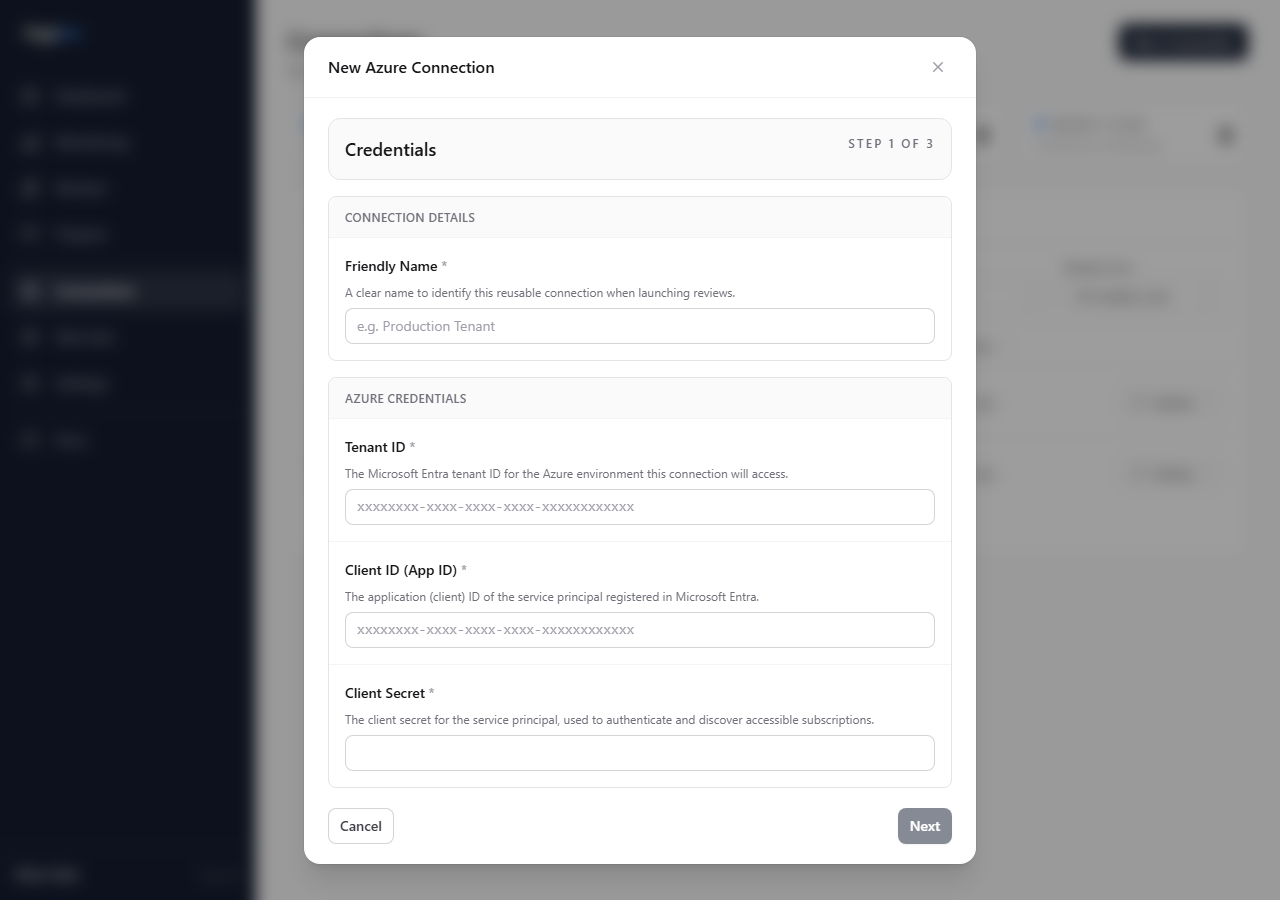
Saved Azure connection
Use this when:
- the project will be reviewed more than once
- other operators need to reuse the same Azure access
- you want templates or scheduled scans
- you want subscription selection during review creation
One-off access
Use this when:
- the client cannot provide a reusable credential
- you need a quick first pass
- the access is intentionally temporary
One-off access includes all subscriptions visible to that access path. It does not create a reusable saved connection.
Key choices
- Repeat delivery: saved connection.
- Restricted client access: one-off access.
- Large scope with selected subscriptions: saved connection.
- Scheduled scans: saved connection.
Check the result
For saved connections, confirm the subscription picker shows the subscriptions you expect.
For one-off access, confirm the completed review scope before using the results in a report or readout.
Avoid
- using one-off access for recurring reviews
- assuming token-style access will show a subscription picker
- queueing a review before checking the visible subscriptions