Recipes
Run A Client Assessment
A delivery workflow for collecting evidence, running the review, and producing a validated assessment package.
Outcome
Use this recipe when you need to collect Azure evidence, run a structured review, and produce a validated assessment package for the engagement team.
This is the delivery workflow before interpretation. It is about getting the scope, access, evidence, review, and report generation right.
By the end, you should have:
- a client project in Hygiara
- validated Azure access
- a completed review with the right subscriptions in scope
- a downloaded Word report
- a checked evidence package ready for readout preparation or remediation planning
Inputs You Need
- Client or environment name
- Azure tenant ID
- Access method: saved connection, Microsoft sign-in, or one-off access token
- Subscriptions to include
- Decision on whether Landing Zone assessment is in scope
- Any delivery constraints, such as deadline, restricted permissions, or evidence cut-off date
Workflow
1. Create the client project
Create one project per client, business unit, or Azure estate. Keep the name recognisable enough that reports and review history are easy to find later.
Do not create separate projects for every review unless the work really belongs to a separate engagement.
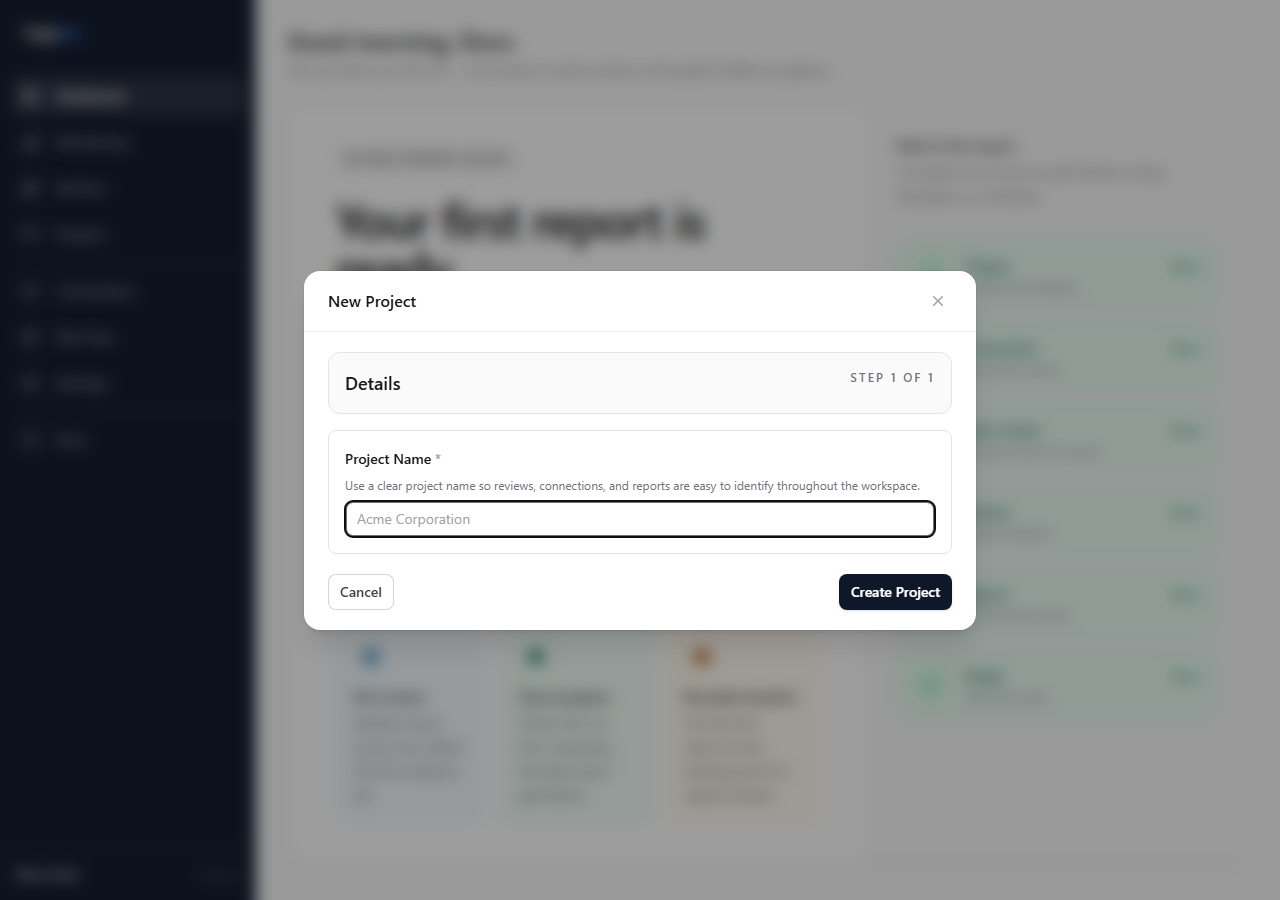
Reference: Project workspace
2. Validate Azure access before queueing work
Use a saved connection for repeatable consulting work. Use token access only when the client cannot provide a reusable credential or you need a short-lived first pass.
Check that the credential can see the expected subscriptions before starting the review. A technically successful review is not useful if it ran against the wrong scope.
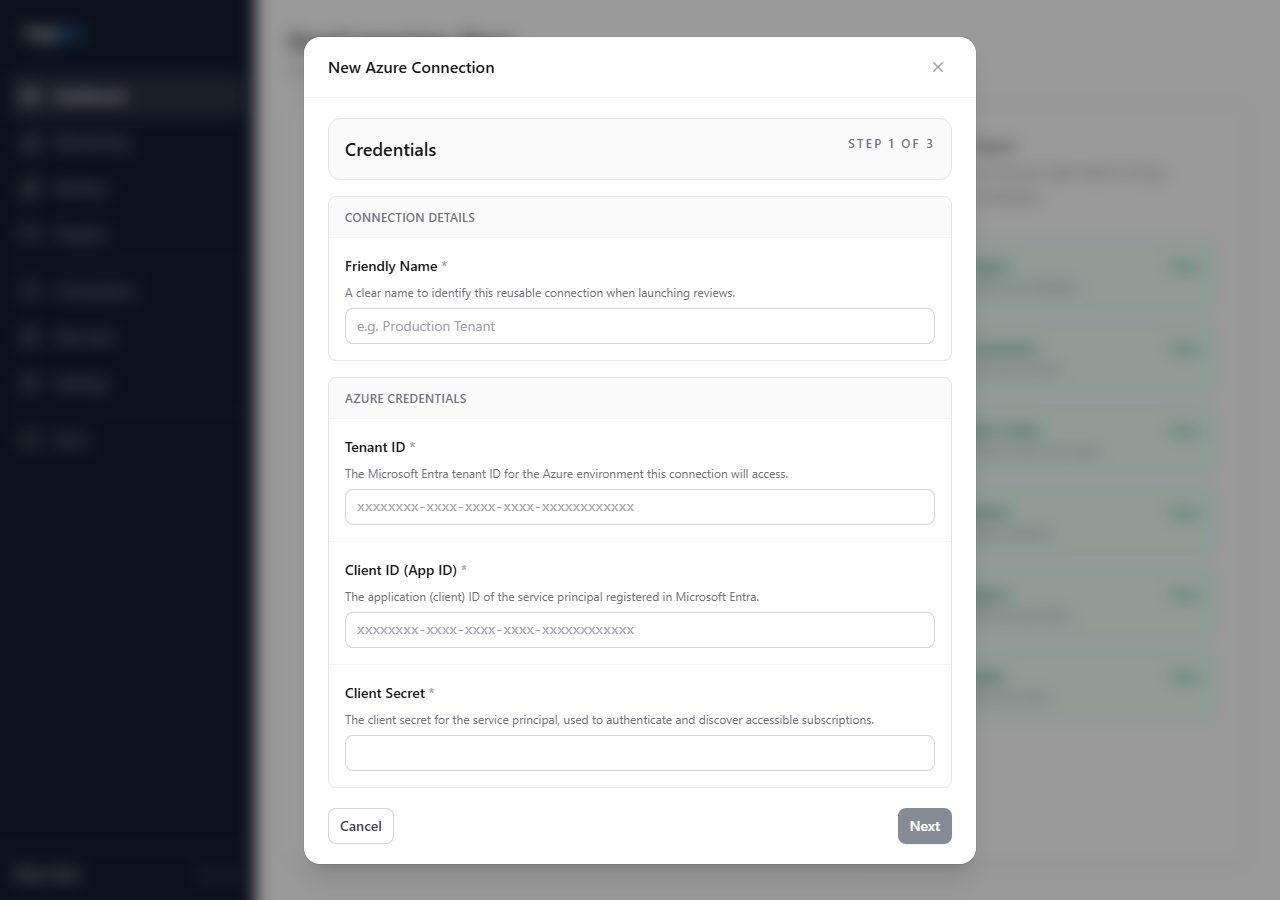
References:
3. Queue the baseline review
Start from the project, select the access method, choose the subscriptions, and leave the Well-Architected resource assessment enabled.
For a first client baseline, use the broadest applicable rule set unless the engagement explicitly requires a narrower custom review.
Enable Landing Zone assessment when the engagement includes platform guardrails, management group structure, policy posture, or operating model review.
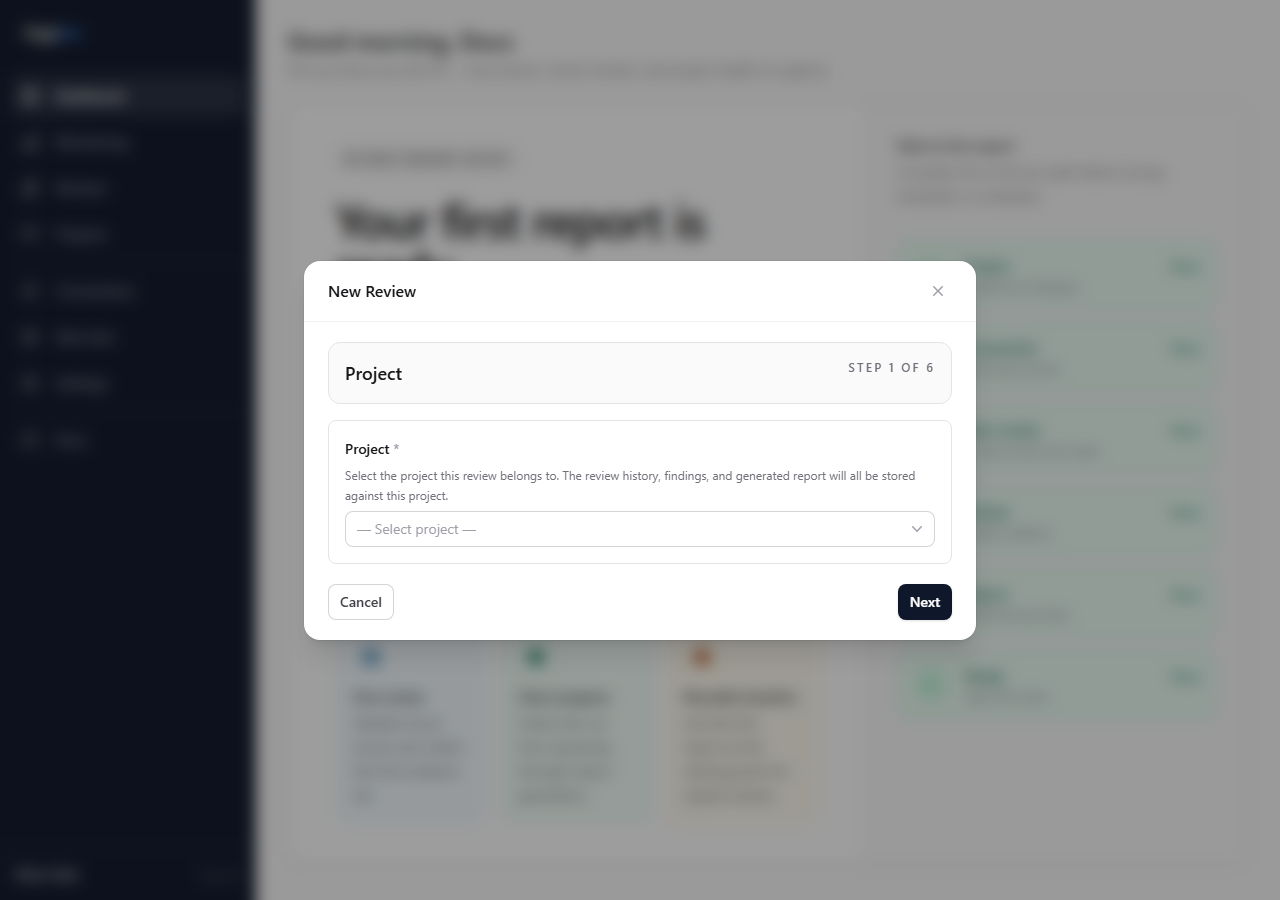
Reference: Creating a review
4. Check the result before sharing it
When the review completes, inspect the review page before downloading the report.
Check:
- the selected subscriptions match the agreed scope
- Resource Scores contain results for the expected pillars
- Findings are plausible for the environment
- Landing Zone Scores appear only if that assessment was enabled
- the Report tab has generated the expected report files
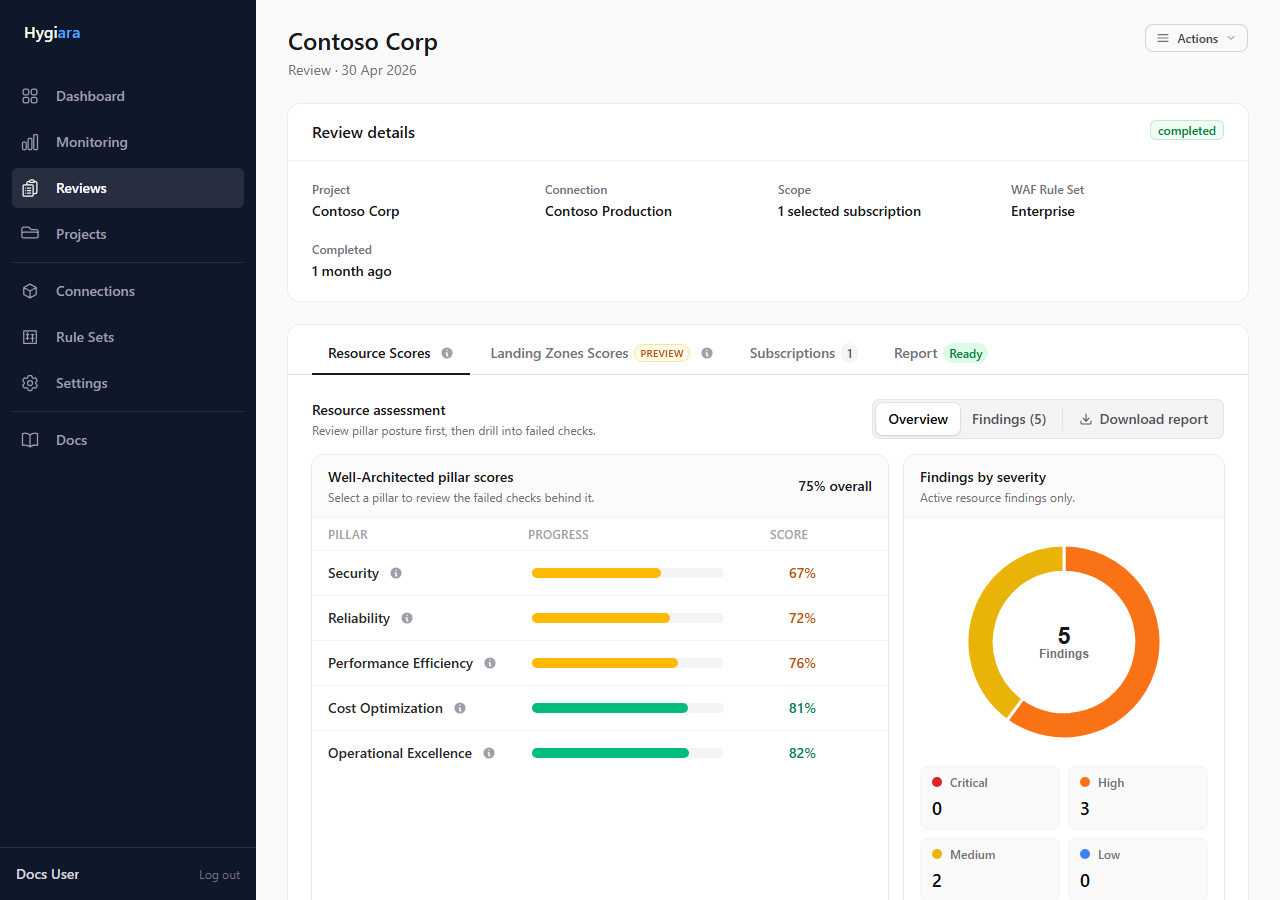
Reference: Review details
5. Download and package the report
Download the Word report from the review page. Treat it as part of the assessment package, not the whole engagement output.
Before handing the package to the person preparing the readout, check that the report opens, the table of contents is populated, and the report sections match the assessments that were selected.
Reference: Understanding the report
6. Record delivery notes
Capture the operational details that will matter later:
- subscriptions reviewed
- access method used
- assessment options selected
- any permission gaps or incomplete evidence
- review completion date
- report files produced
These notes stop the readout from becoming a rediscovery exercise.
Decisions To Make
- Saved connection or token: use saved connection for repeatable delivery; use token for one-off or restricted access.
- All subscriptions or selected scope: include only what the client agreed to review.
- Landing Zone assessment: enable it when platform structure and guardrails matter to the engagement.
- Rule set: start broad for baselines; narrow only when the client asked for a focused review.
- Evidence cut-off: agree whether the review is a point-in-time baseline or whether the client can remediate and rerun before reporting.
Quality Checks Before Handoff
- The report date and project name are correct.
- The scope overview matches the client-agreed subscriptions.
- Selected assessment options match the statement of work.
- Report files download and open successfully.
- Permission gaps or missing evidence are called out honestly.