Reviews
Review Statuses
What each review status means and what to check when a review is not progressing.
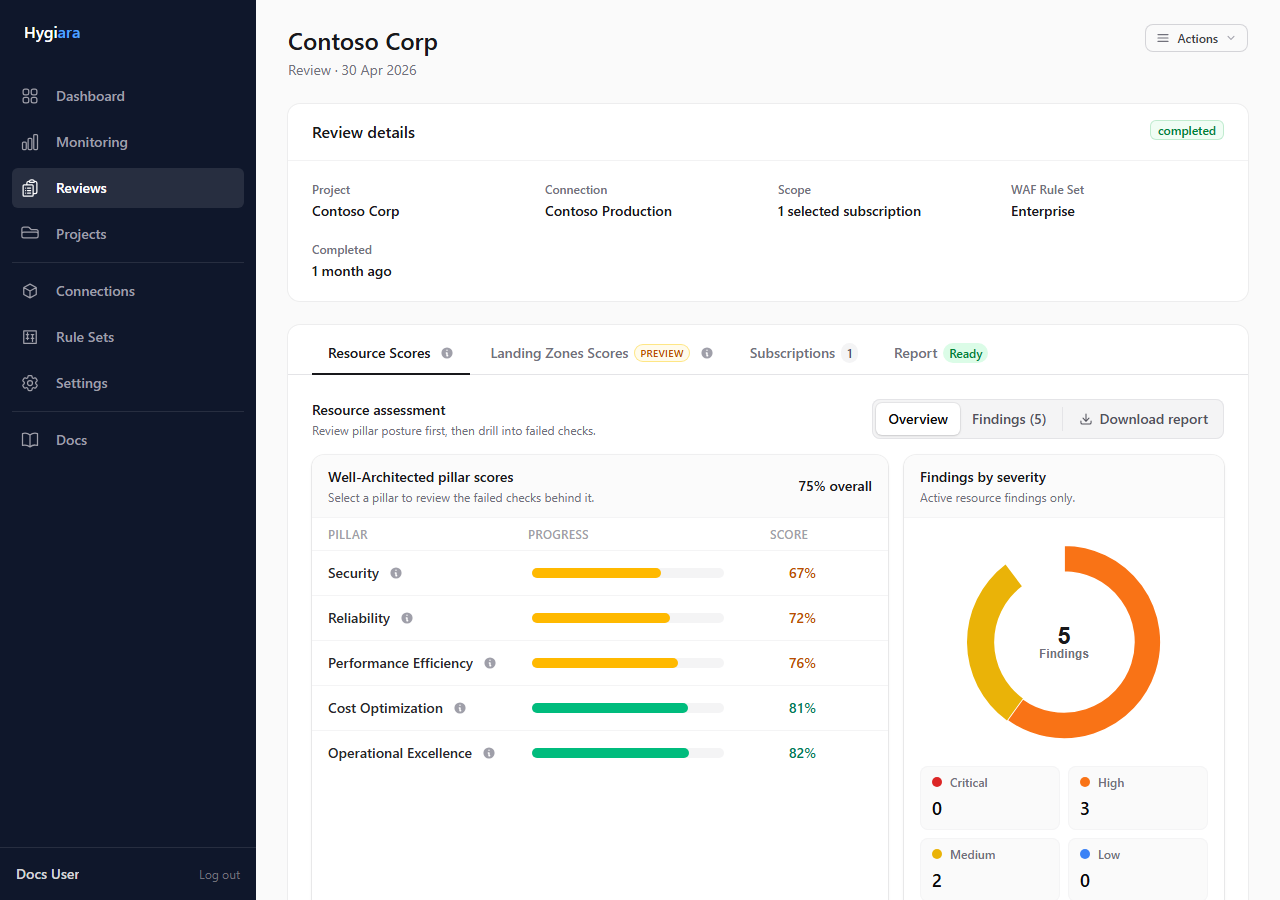
Review status tells you whether the job is waiting, running, complete, failed, or cancelled.
Status meanings
| Status | Meaning |
|---|---|
| Pending | Review has been created but not started. |
| Queued | Review is waiting for a worker. |
| Running | Hygiara is discovering Azure data, processing findings, or generating analysis. |
| Completed | Assessment finished and results are available. |
| Failed | The run stopped because access, execution, or processing failed. |
| Cancelled | A user cancelled the run before completion. |
While running
The review page shows progress through:
- waiting for worker
- getting information
- processing information
- generating report
The page refreshes automatically while the review is active.
Check the result
Completed means the assessment has finished. Report generation may still need a short time before downloads appear on the Report tab.
Failed means you should read the visible error, then check access, queue execution, or scope depending on the failure.
Avoid
- treating queued as an Azure access failure
- rerunning repeatedly before checking the failure reason
- assuming completed always means report downloads are already ready