Reports
Downloading Reports
How to download generated review reports and what to check before sharing them.
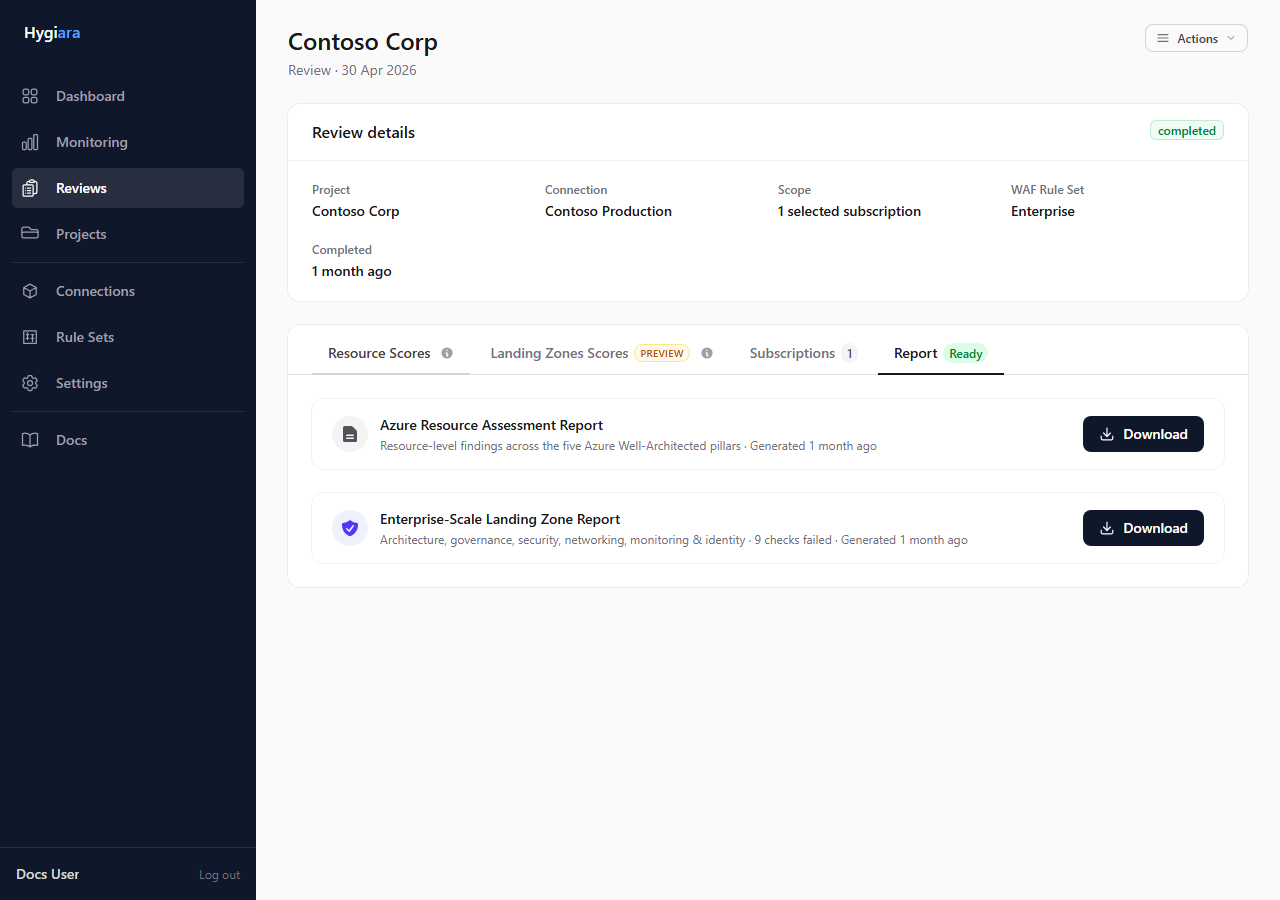
Download reports from the review page after assessment and report generation have finished.
Do this
- Open the completed review.
- Open Report.
- Wait until report generation is complete.
- Download the available Word report files.
- Open the files before sharing them.
Report types
- Well-Architected Resource Assessment: the main resource posture report.
- Enterprise-Scale Landing Zone Assessment: available when Landing Zone assessment was enabled and generated successfully.
Check the result
Before sharing, confirm:
- the file opens
- the table of contents is populated
- the project and date are correct
- the selected assessment sections match the review options
Avoid
- treating a running report job as a failed download
- sharing the report without checking scope and contents
- expecting a Landing Zone report when Landing Zone assessment was not enabled