Recipes
Turn Findings Into A Remediation Backlog
How to convert review findings into prioritised remediation work for delivery teams.
Outcome
Use this recipe after a review when the client wants action, not just a report.
The output should be a practical remediation backlog: grouped work items with priority, owner, affected scope, and enough evidence for engineering teams to start.
Inputs You Need
- Completed review
- Report remediation roadmap
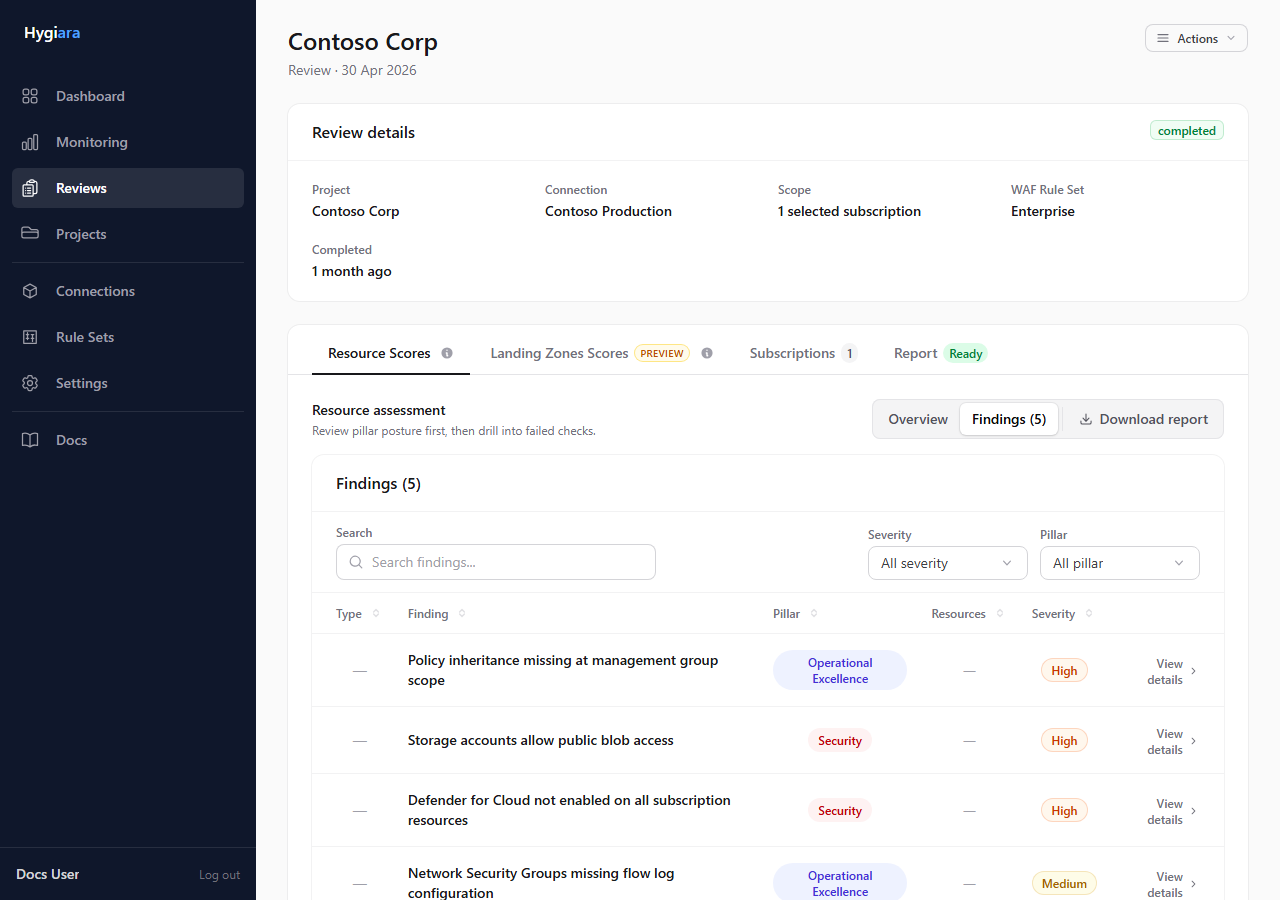
- Findings appendix or findings tab
- Client ownership model, such as platform, security, application, or operations teams
- Any change windows, risk constraints, or audit deadlines
Workflow
1. Start from priority, not from page order
Use P1 and P2 items first. These should become the first backlog candidates unless there is a clear dependency or false positive.
Do not turn every finding into a separate ticket immediately. Repeated findings often represent one control gap that affects many resources.
Reference: Understanding the report
2. Group repeated findings into delivery themes
Look for patterns across:
- same service type
- same missing control
- same subscription or resource group
- same owning team
- same remediation approach
Create one backlog item for the theme when the same fix can be planned and tracked together.
Example: “Enable diagnostic settings for production storage accounts” is usually better than separate tickets for every affected storage account.
3. Capture the evidence needed to act
Each backlog item should include:
- finding title or theme
- priority
- affected subscriptions
- affected resources or resource groups
- expected target state
- report section or finding reference
Keep the evidence specific enough that the team does not need to rediscover the issue from scratch.
4. Assign owners and sequence the work
Map each item to the team that can actually fix it. If ownership is unclear, create a decision item before creating implementation tickets.
Sequence work by:
- severity
- blast radius
- dependency
- change risk
- ease of validation
5. Define how completion will be checked
A backlog item is not done because someone made a change. It is done when the expected control state can be verified.
Use a rerun or later scheduled review to confirm that the finding count or affected scope has moved.
Reference: Rerunning and cancelling reviews
Decisions To Make
- One ticket per finding or grouped themes: group by default; split only when ownership or remediation differs.
- Immediate fix or planned improvement: urgent exposure should be fixed quickly; broad hygiene may need a planned sprint or programme.
- Evidence level: include enough affected-resource detail for engineers, but avoid pasting the whole appendix into every ticket.
Quality Checks Before Handoff
- Every P1/P2 issue has an owner or explicit ownership question.
- Repeated findings have been grouped into themes where practical.
- Each item states the expected target state.
- Completion has a verification method.
- The backlog can be explained back to the executive summary and remediation roadmap.