Projects
Managing Projects
When to create a project, what belongs inside it, and how to keep review work organised.
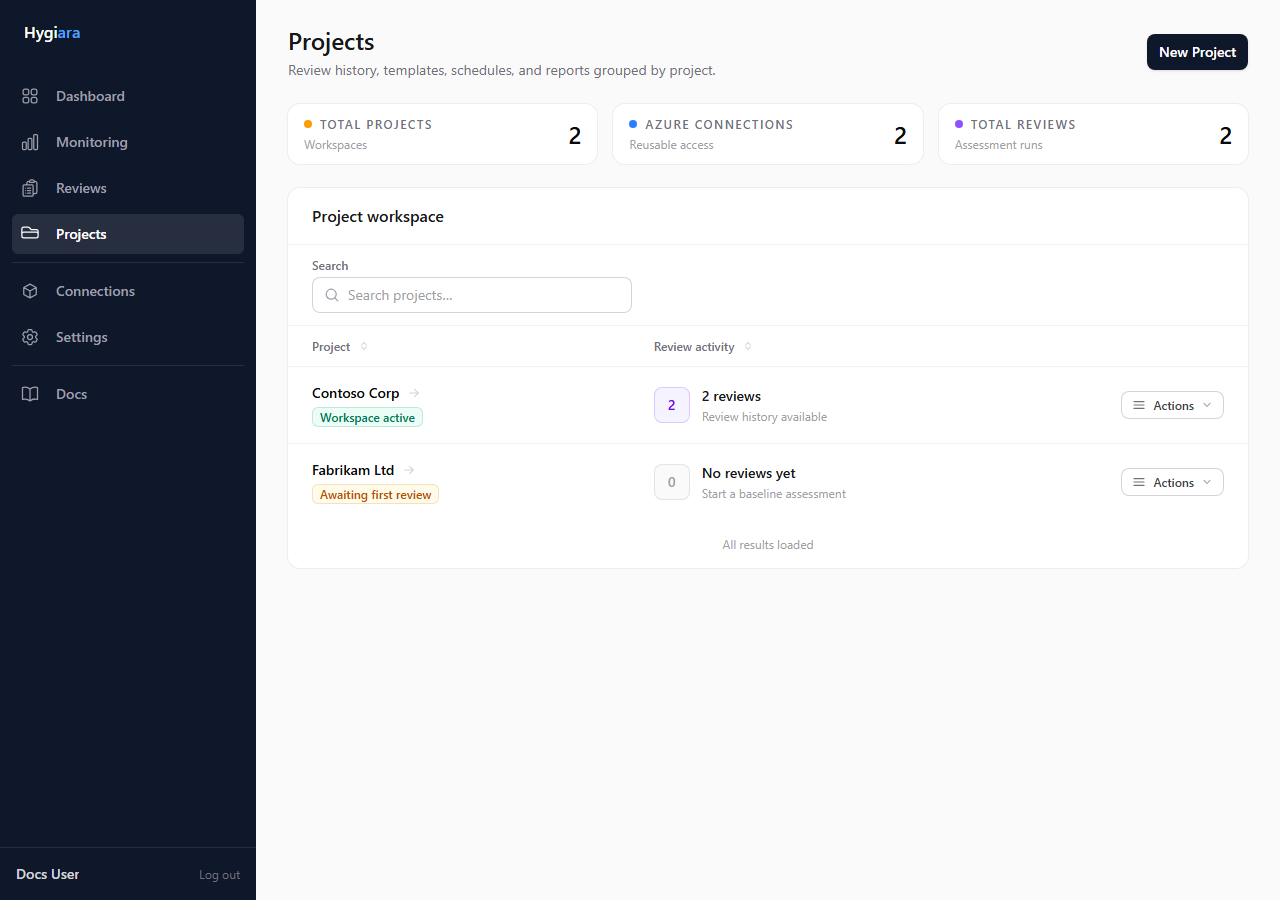
Create one project for a client, business unit, workload group, or Azure estate that should share review history.
What matters
A project contains:
- reviews
- saved Azure connections
- templates
- schedules
- report history
Use projects to keep scope and history understandable over time.
Create a project when
- the work belongs to a distinct client or estate
- reviews should be compared over time
- access, templates, or schedules need to be reused
- report history should stay grouped together
Do not create a new project for every rerun of the same estate.
Check the result
The project should have a clear name and enough context that another operator can tell what it covers.
If a future review would use the same scope and audience, it probably belongs in the same project.
Avoid
- mixing unrelated clients or estates in one project
- creating separate projects for monthly reviews of the same scope
- using vague names like
TestorAzure Review