Settings
Organization Settings
How to update organization-level settings in Hygiara.
Use organization settings for workspace-level configuration that affects the whole organization.
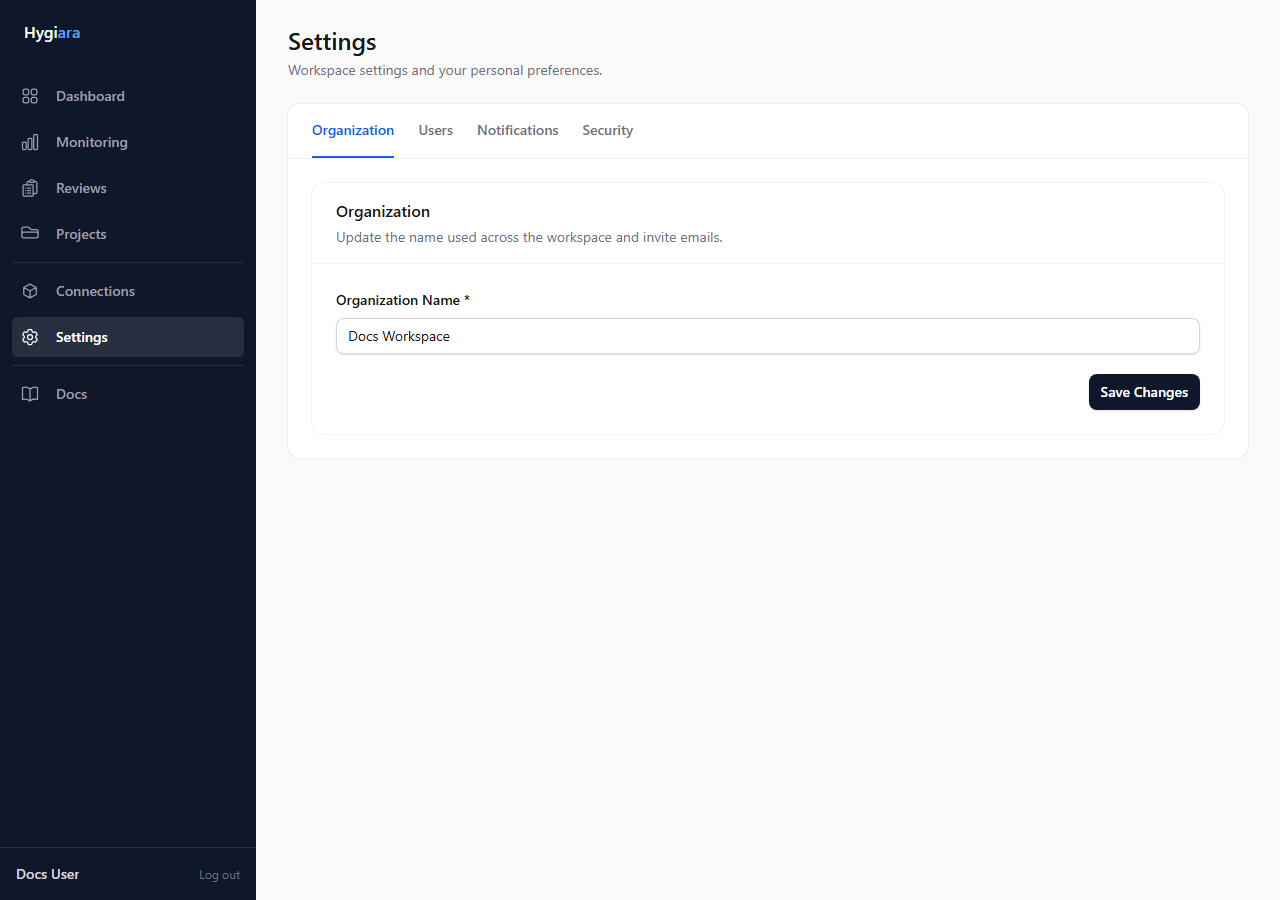
Do this
- Open Settings.
- Review the organization details.
- Update the organization name, automation settings, or Microsoft Teams integration if needed.
- Save changes.
What matters
Organization settings are not project settings. Use them for shared behavior such as organization identity, automation access, Microsoft Teams notifications, and related controls.
Check the result
The updated settings should be visible after saving and should apply to the organization, not just the current user.
Avoid
- changing organization-level settings when only one project needs attention
- using unclear organization names in shared environments