Settings
API Keys
How to create, use, and revoke organization API keys for REST API access.
Use API keys for REST API automation against /api/v1.
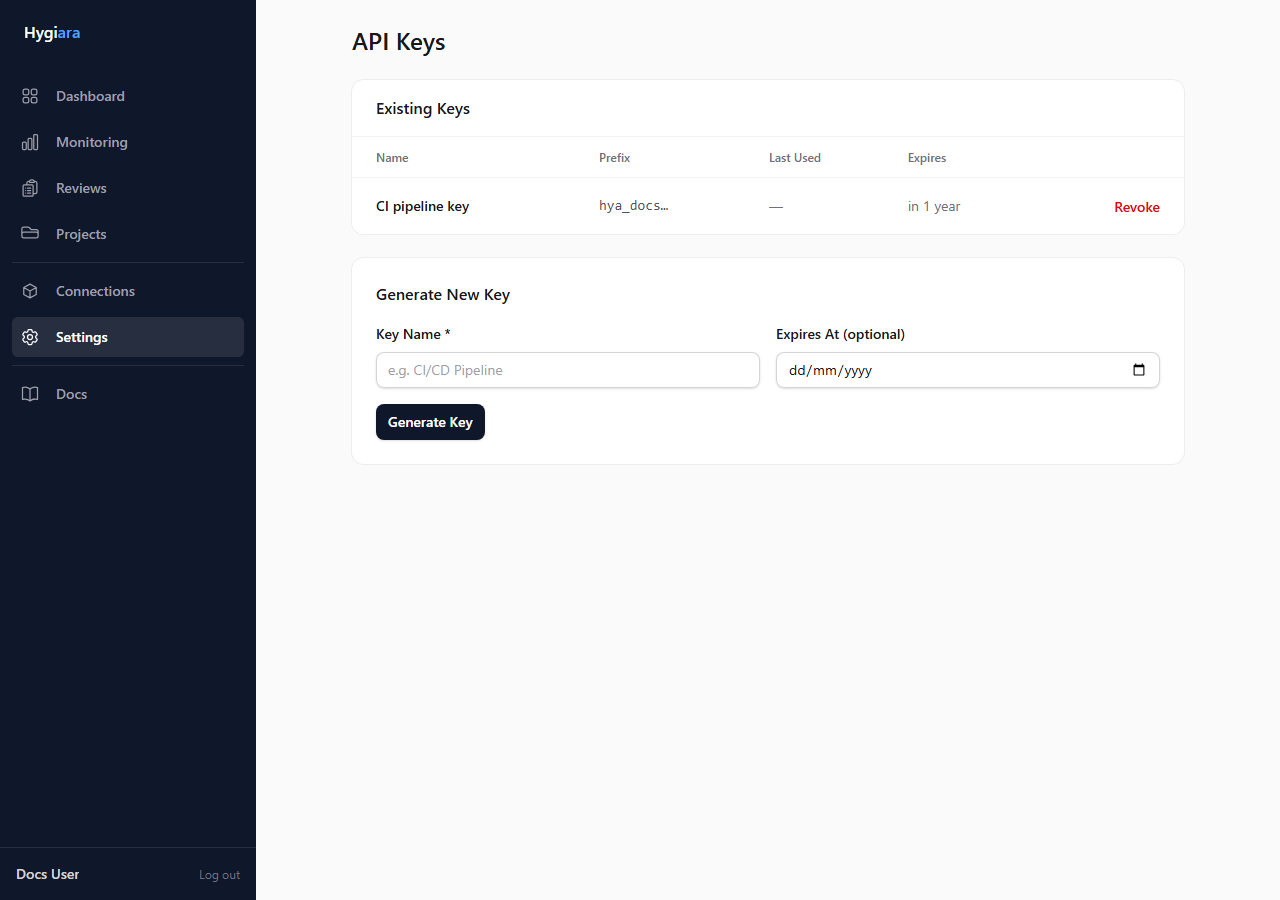
Create a key
- Open Settings.
- Open API Keys.
- Create a new key.
- Copy the value immediately.
- Store it in your secret store or CI system.
Hygiara does not show the full key again after creation.
Use a key
Send the key in the X-API-Key header:
X-API-Key: hygiara_your_key_here
Accept: application/json
API keys and MCP
API keys are for REST API access only.
Do not send organization API keys to /mcp/hygiara. MCP clients use OAuth sign-in and expose read-only tools for AI workflows.
Manage keys
Revoke old, unused, or exposed keys from Settings. Create separate keys for separate integrations so you can revoke one without breaking everything else.
Check the result
The integration should receive JSON responses from /api/v1. A revoked or missing key should fail with an authentication error.
Avoid
- putting API keys in source control
- sharing one key across unrelated systems
- using API keys in AI clients that should use MCP