Reports
Report Notifications
How report-ready notifications work and when users receive them.
Report-ready notifications tell users when generated reports are available to download.
What matters
Notifications depend on:
- the review completing
- report generation finishing
- notification preferences being enabled
- mail delivery being configured correctly
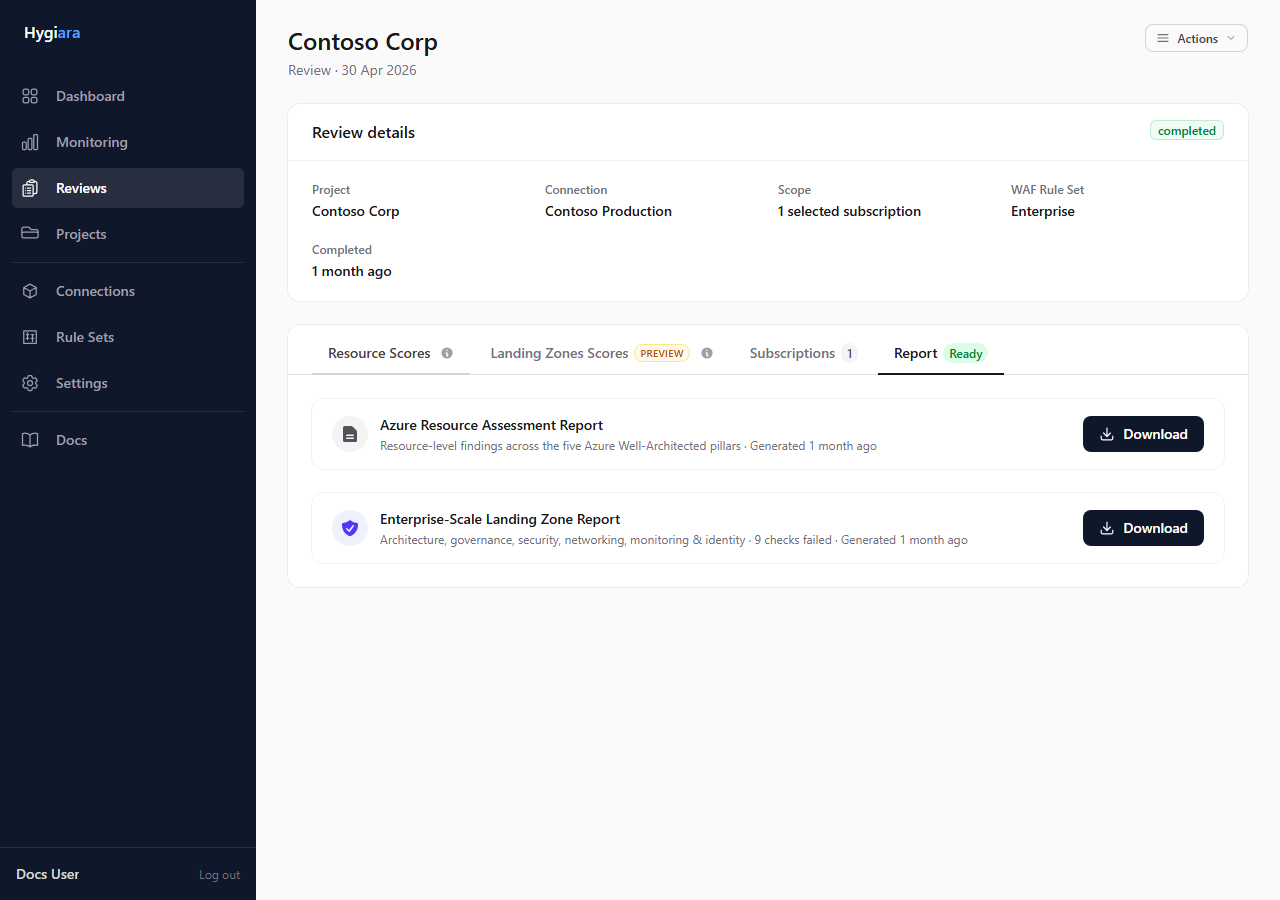
The notification is a pointer back to the review. The review page remains the source of truth for report status.
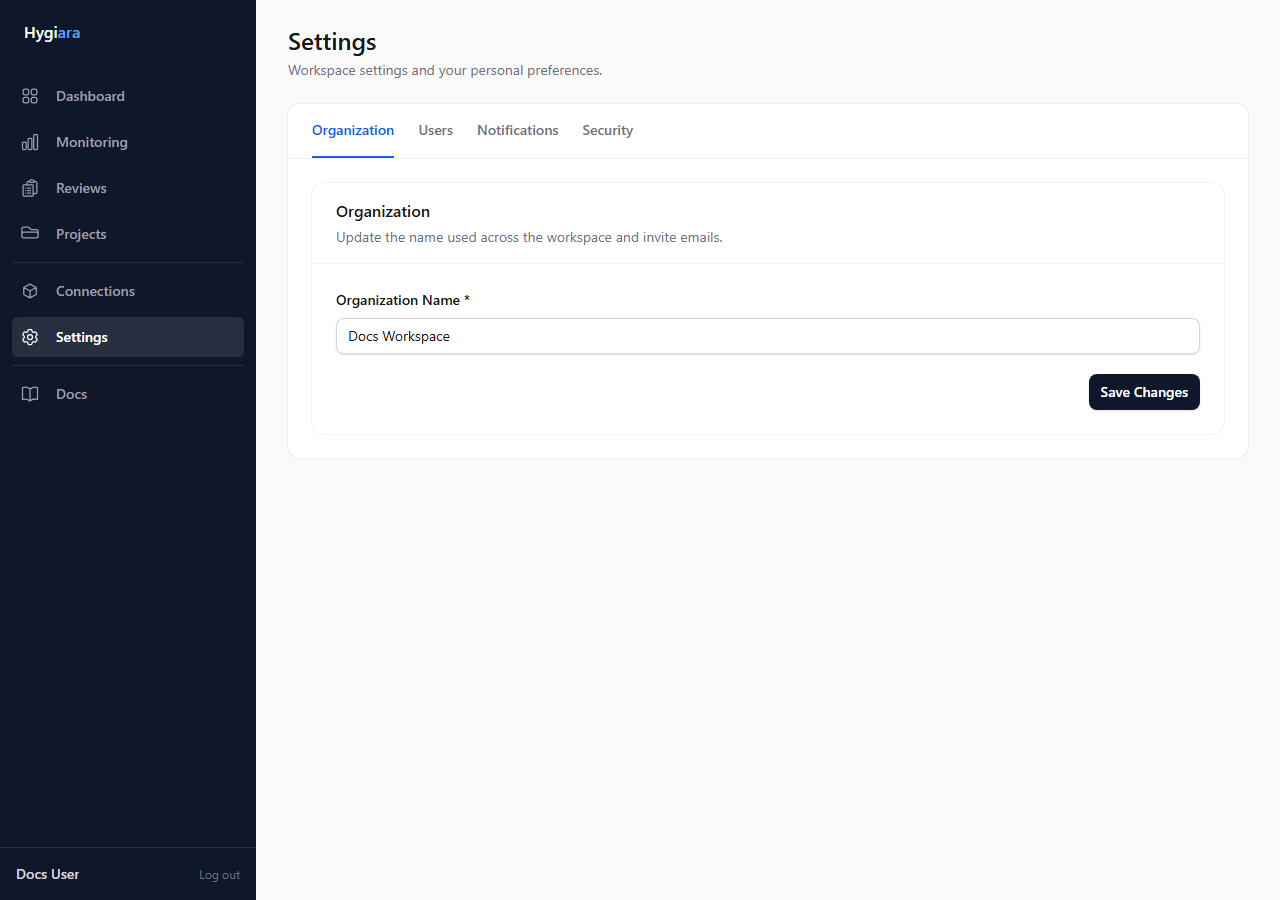
Configure preferences
Users manage report-ready email preferences in Settings.
Check the result
When a report is ready, the Report tab should show downloadable files even if email delivery is delayed.
If users are not receiving email, check notification preferences and mail configuration before rerunning the review.
Avoid
- relying on email as the only way to know a report is ready
- rerunning a review because the email did not arrive
- assuming all users receive every report notification