Connections And Credentials
Editing And Validating A Connection
How to update a saved connection and when to revalidate it.
Revalidate saved connections before important reviews, after credential changes, or when continuous scan options change.
Do this
- Open Connections.
- Choose the connection to edit.
- Update the name, tenant ID, client ID, or client secret if needed.
- Review discovered subscriptions.
- Update continuous scanning or the WAF rule set if needed.
- Save the connection.
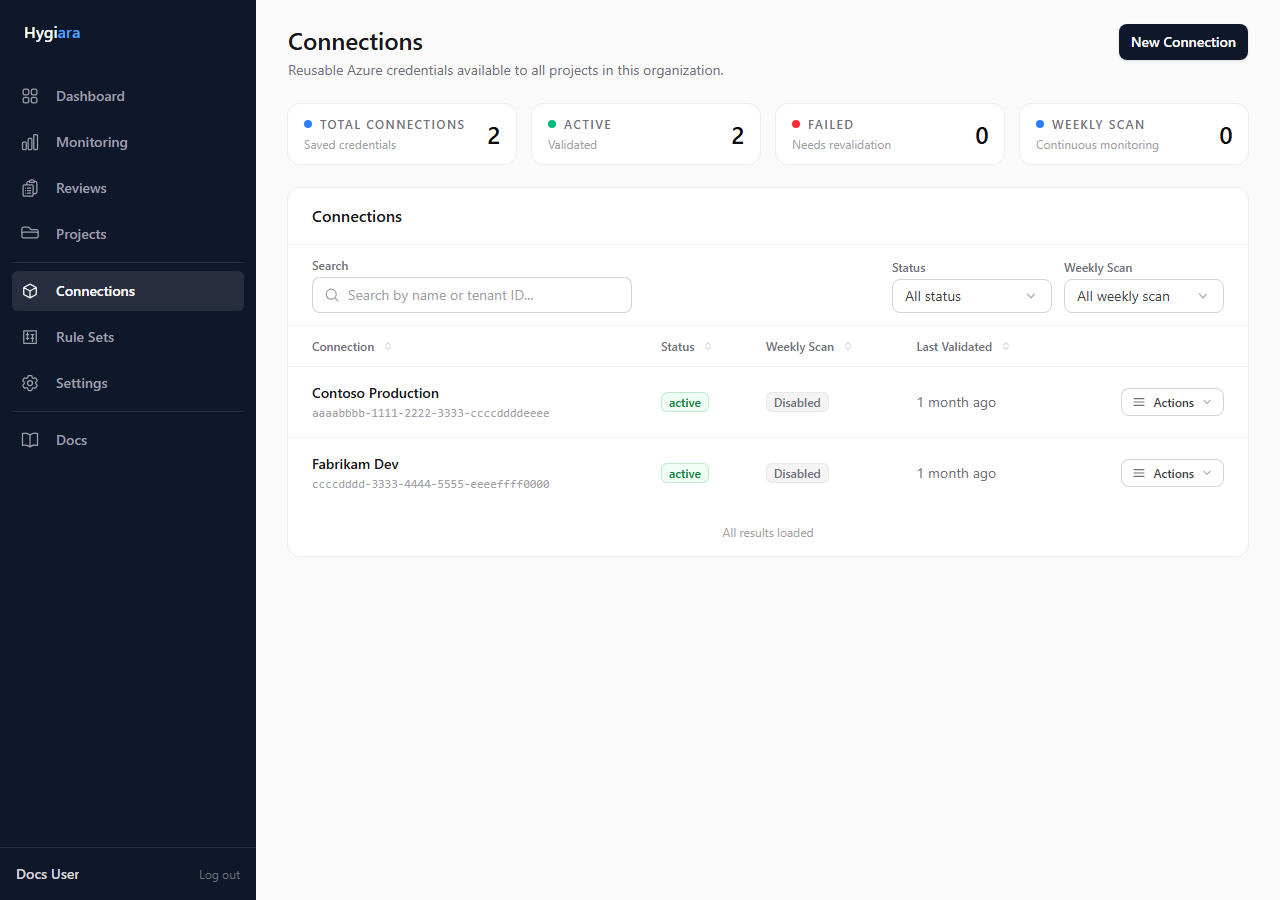
How secret reuse works
When editing, leave the secret field empty if the stored secret should remain unchanged.
Only enter a new secret when the Azure app registration secret has rotated or the existing saved secret is wrong.
Key choices
- Revalidate now: do this when a review depends on the connection working today.
- Rotate secret: update the secret in Hygiara after rotating it in Azure.
- Change rule set: update the saved connection when future continuous scans should use a different rule set.
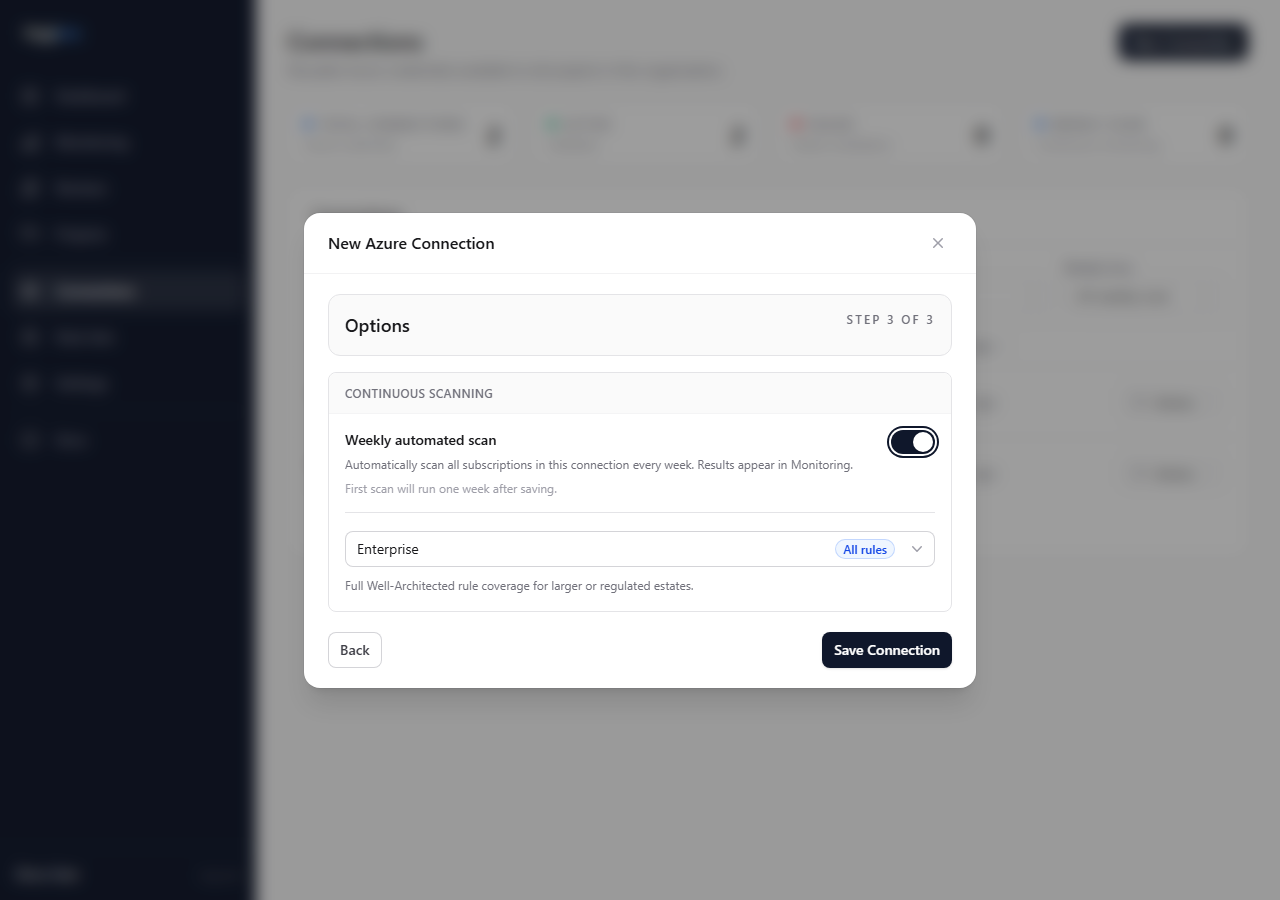
Check the result
A healthy connection should validate and show the expected subscriptions. If validation fails, fix the credential or Azure role assignment before starting a review.
Avoid
- editing metadata but skipping validation
- re-entering secrets unnecessarily
- changing a review's rule set and expecting the saved connection to change automatically